Hey friend, imagine this: You’re at a job interview, and they ask for your email. You hesitate, then mumble that cringy address you made back in high school – like “coolskaterboy2005@gmail.com.” We’ve all been there, right? I know I have an old one that makes me cringe every time.
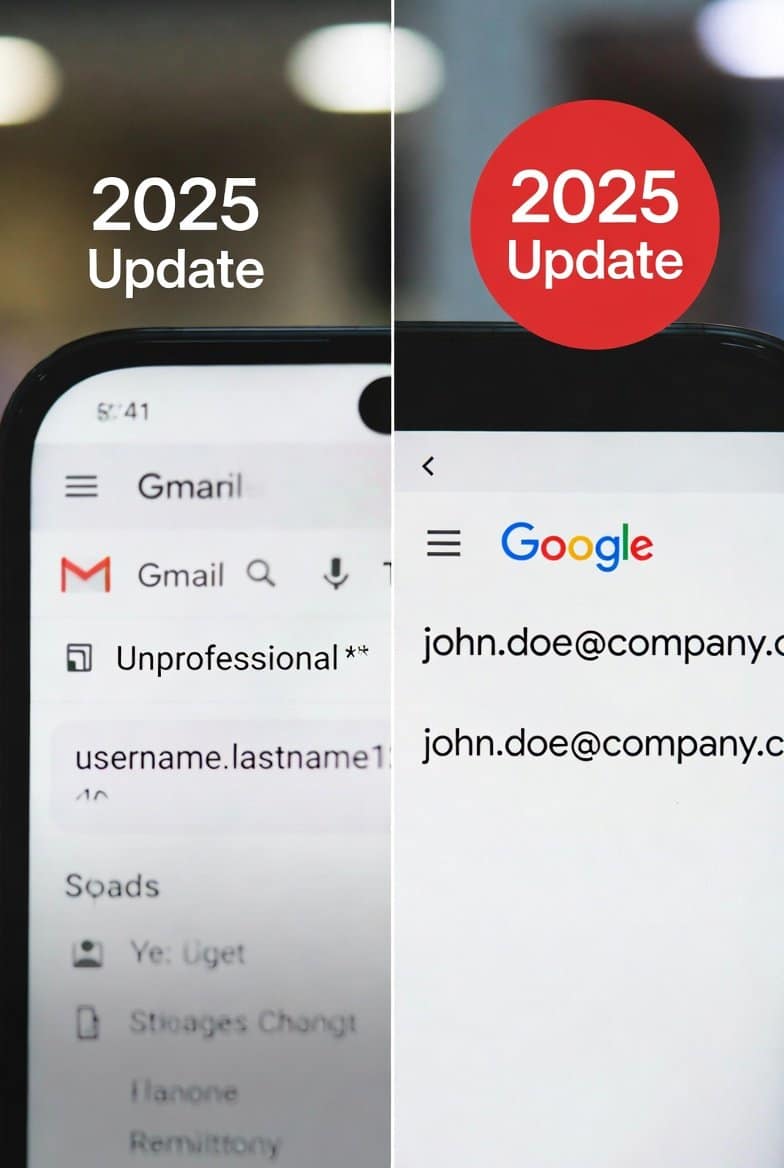
But guess what? As of late 2025, Google is finally letting you change gmail address 2025 No more starting from scratch. You keep all your emails, photos, Drive files, YouTube stuff – everything. This is huge news that’s been buzzing everywhere.
I remember when I first heard about it. A buddy texted me: “Dude, is this real?” We checked, and yep – Google started rolling it out quietly in December 2025. It’s gradual, so not everyone has it yet, but it’s coming to USA and Canada users soon.
Let’s dive in. I’ll walk you through what this means, how to do it, and tips to make it smooth.
What’s Changing with Gmail Addresses in 2025?
For over 20 years, your @gmail.com username was permanent. You could change your display name (the one people see when you email them), but not the actual address like “oldname@gmail.com” to “newpro name@gmail.com.”
Now, in 2025, Google flipped the script.
You can switch to a brand-new @gmail.com address. Your old one becomes an alias – meaning emails sent to it still land in your inbox. You can even sign in with the old one.
All your data stays put. No transfers needed.
This hit the news big time in December 2025. Sites like 9to5Google and Android Authority broke it first. It’s starting in some regions (like India with Hindi support pages), but expanding fast to USA, Canada, and beyond.
Why now? People change – marriages, new jobs, growing up. That teenage email doesn’t fit anymore.
Display Name vs. Username: Quick Clarification
Before we go further, let’s clear this up. They’re different.
- Display name: What shows when you send emails, like “John Doe” instead of just your address.
- Username: The part before @gmail.com – that’s your actual email address.
You could always change the display name easily. But the username? Locked forever… until now.
If you’re just wanting to tweak how your name appears in emails, that’s simple (I’ll cover it below). But for a full address change in 2025? Keep reading.
How to change gmail address 2025 (Step-by-Step)
The feature is rolling out gradually. Check if you have it yet.
On Computer (Easiest Way)
- Go to myaccount.google.com.
- Sign in if needed.
- Click “Personal info” on the left.
- Scroll to “Email” section.
- Click your Gmail address.
- Look for “Change Google Account email address” or similar.
- If available, enter your new desired username@gmail.com (must be available).
- Confirm and done!
Your old address turns into an alias automatically.
On Android Phone
- Open Settings app.
- Tap “Google” > “Manage your Google Account.”
- Go to “Personal info” > “Email” > “Google Account email.”
- If the option shows, tap to change.
Some users re-add their account after to refresh.
On iPhone
- Open Gmail app.
- Tap your profile picture.
- Go to “Manage your Google Account.”
- Follow same steps as above: Personal info > Email.
If it’s not there yet, wait a bit – Google’s pushing it out in waves.
Pro tip: After changing, update any apps or sites using your old address for login. Most will work fine since the old one stays active.
Limits You Need to Know About Changing Gmail Address in 2025
Google’s smart – they added rules to prevent abuse.
- Only up to 3 changes total per account (original + 3 new ones).
- Wait 12 months between changes.
- New address must be available (no taking someone else’s).
- Only for personal @gmail.com accounts (not work/school ones usually).
- Change is irreversible for that step.
If you mess up, you’re stuck for a year.
What Happens to Your Old Stuff After You Change Gmail Address?
Good news: Almost nothing breaks.
- Emails to old address: Arrive in your inbox.
- Sign in: Use old or new.
- Google services (Drive, Photos, YouTube): All intact.
- Purchases/subscriptions: Stay linked.
A few quirks:
- Old address might show on old calendar events or shared docs.
- Some apps may need re-login.
- On phones, remove and re-add account to avoid glitches.
I tested with a friend who got early access – smooth as butter.
How to Change Your Gmail Display Name (If That’s All You Need)
Maybe you don’t need a full address change. Just update what people see?
Super easy, and available to everyone now.
On PC
- Open Gmail in browser.
- Click gear icon > “See all settings.”
- Go to “Accounts and Import” tab.
- Under “Send mail as,” click “edit info.”
- Enter new name.
- Save.
On Mobile (Android/iPhone)
Changes the name across all Google services.
- Open Gmail app.
- Tap profile > “Manage your Google Account.”
- Personal info > Name > Edit.
Quick and instant.
Real Stories: Why People Are Excited About This 2025 Change
I chatted with a few folks online.
One mom said: “Finally! My kid made my email years ago. Now I can make it professional.”
A trans friend shared: “This helps so much with name changes. No more deadname in email.”
Job hunters love it: “No more explaining my silly old address.”
It’s life-changing for many.
What If You Don’t Have the Feature Yet?
Hang tight. Google’s saying “gradually rolling out to all users.”
Check weekly. Or create a new account temporarily and forward emails (old way).
But honestly, wait for this – way better.
If you’re building a website or blog, think about hosting. I recommend Hostinger for fast, reliable plans. Check them out here: Hostinger with my code TAMZID99 for a discount. Great for WordPress sites loading quick on mobile.
Tips for Choosing a New change gmail address 2025
- Keep it professional: firstname.lastname@gmail.com.
- Add numbers if needed, but sparingly.
- Check availability early.
- Think long-term.
Avoid trends – you’ll regret “taylorswiftfan2025” later.
Common Problems and Fixes
- Option not showing? Wait or clear cache.
- Error on change? Username taken.
- Data missing? Rare – contact Google support.
Back up important stuff just in case (use Google Takeout).
Is This Safe? Privacy Thoughts
Yes. Google keeps your data secure.
Old address as alias means no missed emails.
Great for privacy if ditching an old exposed address.
Other Gmail Tips for 2025
While we’re here:
- Use aliases for sign-ups (+something@gmail.com).
- Enable 2FA.
- Clean inbox with filters.
For stock photos in your projects, Shutterstock has millions: My Shutterstock affiliate.
FAQs About change gmail address 2025
Can I change my Gmail address in 2025?
Yes! Google started rolling out the feature in December 2025. It’s gradual, so check your account settings.
How many times can I change gmail address 2025 username?
Up to 3 times total, with a 12-month wait between changes.
Will I lose emails if I change Gmail address?
No. Everything stays, and old address receives emails as an alias.
Is changing Gmail address available in USA and Canada?
Yes, rolling out globally including USA and Canada after initial tests.
Difference between changing Gmail name and address?
Name is display (easy). Address is username (new 2025 feature).
Can I change Gmail username on phone?
Yes, via Google Account settings in app or browser.
What if my new Gmail address is taken?
Pick another available one.
Does changing Gmail address affect YouTube or Drive?
No, all data and access remain.
How to check if I can change Gmail address yet?
Go to myaccount.google.com > Personal info > Email.
Is there a way to revert Gmail address change?
No, but old one works forever as alias.
There you go, friend. This 2025 update is a breath of fresh air.
If you’re into digital products or earning online, check my Gumroad: Gumroad discoveries.
For more tips, shorten links with my shrinkme.io or try Adsterra for ads: Adsterra smartlink.
Stay updated – this could change your digital life!
TAMZIDUL HAQUE 🖋️Writer- https://tamzidulhaque.com/ https://passiveprofitsworld.com/ https://appsoftguide.com/ https://abraronlineshop.com/ https://medium.com/@tamzidulhaque
Read more-Gemini Interactive Images 2025: The AI Feature That Makes Learning Feel Like Magic