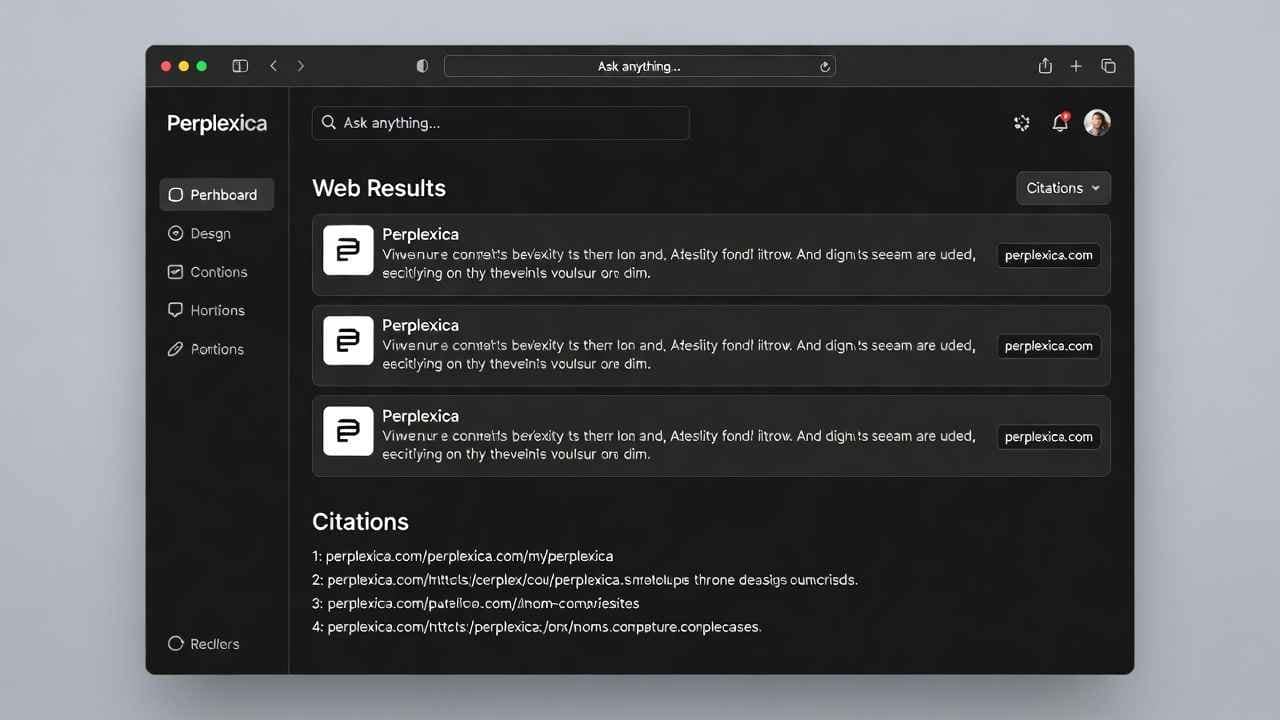
Imagine asking a question and getting a clear answer with real sources—without Google ads or tracking cookies. That’s Perplexity AI’s magic. But in 2026, privacy matters more than ever. perplexica setup Costs add up too.
Enter Perplexica. This open-source gem launched a couple years back and exploded on GitHub. It’s now one of the top self-hosted tools for anyone wanting a Perplexity AI clone without the fees or data sharing.
I first tried Perplexica when I got fed up with subscription limits. perplexica setup in under 30 minutes, and boom—my own AI search running locally. No more worrying about query logs. Let’s dive in.
What Exactly Is Perplexica?
Perplexica is a privacy-first AI answering engine. It searches the web using tools like SearXNG (a meta-search that pulls from multiple engines without tracking you). Then it uses AI models to understand your question and write a natural answer—with citations.
Unlike regular Google, it doesn’t dump 10 blue links. It talks to you like a smart friend who read the best sources for you.
Key perks:
- Runs on your hardware (laptop, server, or even a cheap VPS)
- Supports local models via Ollama (free, offline)
- Or connect to paid ones like OpenAI, Claude, Groq, Gemini
- Full privacy—your questions stay with you
- Open source on GitHub (stars keep climbing, active updates in 2026)
It’s inspired by Perplexity but flips the script: you control it.
Why Choose Perplexica Over Perplexity AI in 2026?
Perplexity is awesome, but here’s the real talk:
- Cost — Perplexity Pro runs $20+/month for unlimited fast searches. Perplexica? Free if you use local models or cheap APIs.
- Privacy — Perplexity sees your queries. Perplexica doesn’t send them anywhere unless you choose a cloud provider.
- Customization — Tweak models, search depth, even add your own focus.
- No limits — Run as many searches as your hardware allows.
Downsides? Setup takes a bit more effort than signing up online. And local models need a decent GPU for speed.
If you’re tech-curious or value control, Perplexica wins big.
Perplexica Features That Make It Stand Out
Perplexica packs serious power for an open-source project:
- Multiple AI providers — Ollama for local (Llama 3, Mistral, etc.), Groq for super-fast free inference, OpenAI, Anthropic, Google Gemini, and more added in recent updates.
- Cited answers — Every fact links back to sources so you can check.
- Focus modes — Academic, YouTube, Reddit, or general web.
- Discover page — Trending topics to spark ideas.
- File uploads — Ask questions about PDFs or docs.
- Weather widget, dark mode, mobile-friendly UI.
- 2026 updates — Better setup wizard, LM Studio support, dynamic model fetching, even NPU/GPU acceleration options.
It’s not just a clone—it’s evolving faster than many paid tools.
Step-by-Step Perplexica Setup Guide (Easiest Way in 2026)
Ready to try? Docker is the simplest path. perplexica setup Takes 10-20 minutes.
Option 1: One-Command Docker Install (Recommended)
- Install Docker if you don’t have it. (On Windows/Mac, grab Desktop from docker.com. On Linux, use your package manager.)
- Open terminal/command prompt.
- Run this single line:
text
docker run -d -p 3000:3000 –name perplexica itzcrazykns1337/perplexica:latest - Open http://localhost:3000 in your browser.
- Follow the new setup wizard—pick your AI provider and add API keys if needed.
That’s it! No cloning repos or npm installs.
Option 2: Without Docker (For Full Control)
- Clone the GitHub repo: git clone https://github.com/ItzCrazyKns/Perplexica
- Install Node.js (v18+)
- cd Perplexica && npm install
- Copy .env.example to .env and fill in keys
- npm run dev
But trust me—Docker wins for most people.
Pro Tip for Speed — Use Groq or Ollama with a good model like Llama 3.1 70B. Hostinger VPS makes a great cheap server if your PC isn’t beefy. Check it out here: https://hostinger.com?REFERRALCODE=TAMZID99 — fast, affordable, and perfect for self-hosting.
How to Pick the Best AI Model for Perplexica
- Local & Free — Ollama + Llama 3 or Phi-3. Zero cost, offline, but slower without GPU.
- Fast & Cheap — Groq (free tier rocks for speed).
- Best Quality — Claude or GPT via API (small cost per use).
- New in 2026 — LM Studio integration for easy local runs.
Start with Groq for instant wow factor.
Real-Life Uses: How I Use Perplexica Every Day
- Research topics fast without tab overload
- Fact-check news with sources
- Deep dives into tech (like “latest AI news 2026”)
- Help with work—summarize reports or compare products
One time, I asked about “best budget laptops Canada 2026.” Got a clean comparison with current prices and reviews. Saved hours.
Common Perplexica Issues & Fixes
- Slow answers? Switch to faster provider or better model.
- No search results? Check SearXNG config in settings.
- API errors? Double-check keys in .env or wizard.
- Mobile zoom weird? Recent updates fixed iOS issues.
Community on GitHub is super helpful.
Is perplexica setup Right for You?
If you want a free Perplexity AI alternative, love tinkering, or hate subscriptions—yes.
If you need dead-simple and don’t mind paying—stick with official Perplexity.
But for privacy fans and self-hosters, Perplexica is gold in 2026.
Give it a spin. You might never go back.
What do you think? Tried it yet? Drop a comment—I read them all.