In a world where information overload is constant, most people use ChatGPT for instant answers. Type a question, get a response, move on. But this shallow interaction misses the real power: true learning.
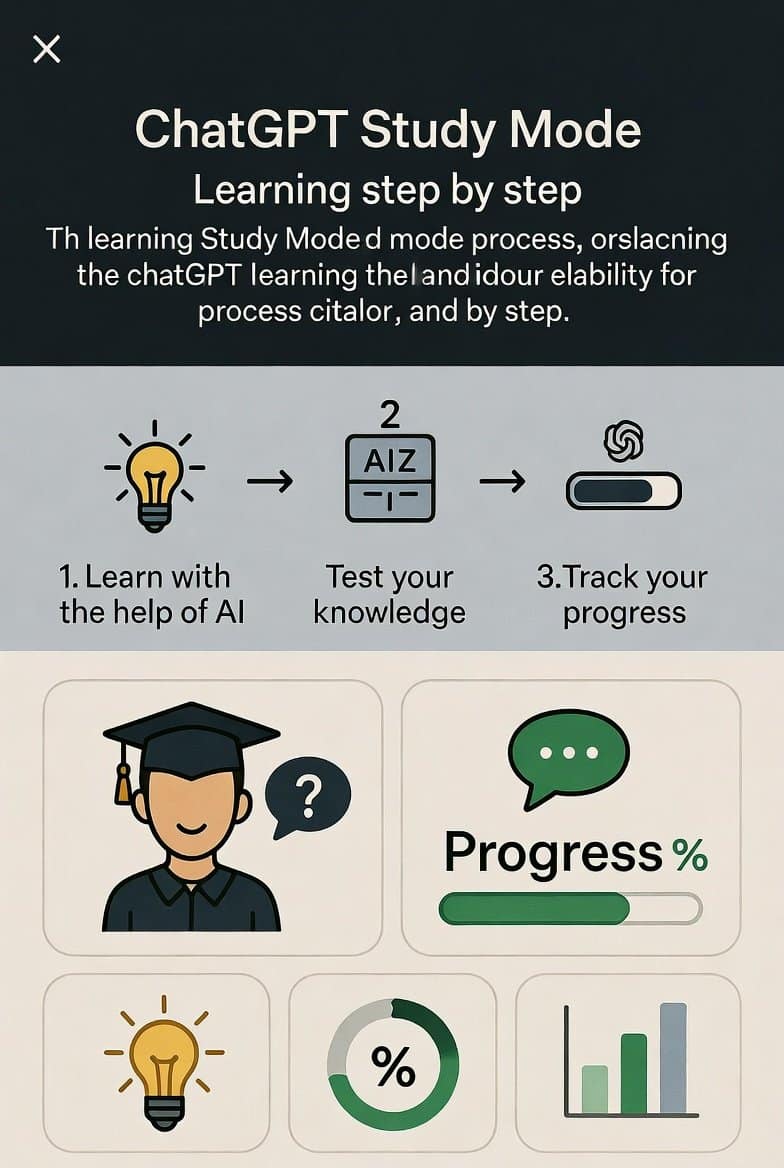
OpenAI changed that in July 2025 by launching Study Mode (also referred to as “Study and Learn” mode). Instead of handing you answers, it acts like a patient, adaptive tutor—assessing your knowledge, breaking down concepts, quizzing you for retention, and scaling difficulty based on your performance.
The result? You master complex topics in days instead of months, often for just the cost of a ChatGPT Plus subscription (~$20/month). No expensive courses, no rigid schedules, no prior expertise required.
In this comprehensive guide, we’ll explore:
- What ChatGPT Study Mode really is and how it differs from regular chats
- Step-by-step activation and best usage
- Proven learning frameworks it enables
- Real examples across subjects
- Tips to avoid common pitfalls
- How it fits into broader self-education strategies
- Monetization angles (like using it to create content or courses)
Whether you’re a student prepping for exams, a professional switching careers, or a lifelong learner, Study Mode lowers the barrier to expertise dramatically.
Ready to turn ChatGPT into your personal tutor? Let’s dive in.
What Is ChatGPT Study Mode? (And Why Most Users Ignore It)
ChatGPT Study Mode is a dedicated learning interface built into the platform. Unlike standard mode, where the AI rushes to provide complete answers, Study Mode prioritizes active learning—the kind proven by education research to boost long-term retention.
Key differences:
- Step-by-step guidance instead of direct answers
- Interactive quizzes and knowledge checks
- Personalized progression based on your responses
- Socratic questioning to make you think critically
- Hints and scaffolding rather than full solutions
OpenAI designed it with input from educators and learning scientists. It draws on techniques like spaced repetition, active recall, and adaptive difficulty—methods that make traditional tutoring effective.
Why it matters in 2026:
Traditional education is slow and expensive. Online courses can cost hundreds or thousands. Study Mode democratizes high-quality, personalized tutoring. You get 24/7 access to a tutor that never gets tired or impatient.
Common objection: “Isn’t this just prompting ChatGPT better?”
No. While clever prompts can mimic some effects, Study Mode uses custom system instructions that enforce teaching behavior consistently—no need for complex prompt engineering.
How to Activate and Use ChatGPT Study Mode (Step-by-Step)
Getting started is simple. Study Mode is available to logged-in users on Free, Plus, Pro, and Team plans (with Edu rollout complete by now).
Activation Methods
- Via the Tools Menu (Recommended)
- Open ChatGPT (web, iOS, Android, or desktop).
- In the prompt box, click the “+” or “Tools” icon.
- Select “Study and learn” from the dropdown.
- Start your query (e.g., “Help me learn Python programming from beginner to advanced”).
- Direct Prompt Method (Quick but less reliable)
- Type: “Activate Study and Learn mode” or “Switch to Study Mode”.
- Then specify your topic and level.
- Dedicated URL (Fastest for repeated use)
- Visit chatgpt.com/studymode directly.
Pro tip: Turn on Memory in Settings > Personalization. Study Mode uses it to remember your goals, weaknesses, and past sessions for truly personalized follow-ups.
Optimal First Prompt Structure
To get the best results:
“Tell ChatGPT:
- Your current level (beginner, intermediate, advanced)
- The topic
- Your goal (exam prep, career skill, personal interest)
- Any deadlines or materials (attach notes, syllabus, screenshots)
- Preferred style (e.g., include quizzes, use analogies, visual explanations)”
Example:
“I’m a complete beginner in digital marketing. Help me master SEO, content strategy, and paid ads using Study Mode. I want quizzes after each section and real-world examples.”
How Study Mode Works: The 4-Stage Learning Engine
Study Mode follows a structured, research-backed flow:
Stage 1: Assessment & Personalization
- Asks about your prior knowledge
- Identifies gaps
- Sets a custom starting point
No more wasting time on basics you already know.
Stage 2: Foundational Breakdown
- Starts with simple overviews
- Uses analogies, examples, and bite-sized explanations
- Builds concepts layer by layer
Stage 3: Active Recall & Quizzing
- Pauses after key ideas to quiz you
- Immediate feedback reinforces correct answers
- If you struggle, it reteaches without judgment
This is where retention skyrockets—active recall beats passive reading 2-3x according to learning science.
Stage 4: Progressive Mastery
- Increases complexity only when you’re ready
- Connects new ideas to what you’ve already learned
- Adapts difficulty based on your quiz performance
End result: Deep understanding, not superficial knowledge.
Real-World Examples: Study Mode in Action
Example 1: Learning Quantum Entanglement (No Physics Background)
As in Martin Crowley’s post:
- Start: “Teach me quantum entanglement from zero knowledge using Study Mode.”
- Assessment: “Have you studied basic physics? Quantum mechanics?”
- Progression: Classical physics → waves → probability → superposition → entanglement.
- Quizzes: “Explain why measuring one particle affects the other instantly.”
- Outcome: In hours/days, grasp a PhD-level concept without formal classes.
Example 2: Exam Prep (Biology – Feedback Loops)
- Prompt: “Prep me for my college biology exam on positive and negative feedback loops.”
- Study Mode asks grade level and prior exposure.
- Breaks down homeostasis → examples (body temperature, blood sugar) → quizzes → common exam traps.
- Bonus: Upload class notes for tailored explanations.
Example 3: Career Skill – Python for Data Analysis
- Goal: Transition to data science role.
- Mode builds: Variables → loops → functions → pandas/numpy → projects.
- Quizzes on code debugging → mini coding challenges.
- End: Portfolio-ready skills faster than bootcamps.
Example 4: Professional Upskilling – Machine Learning Basics
- For managers: Understand concepts without coding.
- Mode uses business analogies, avoids heavy math initially, adds it progressively.
These examples show versatility across academic, technical, and professional domains.
Advanced Tips to Maximize Learning with Study Mode
- Request Specific Techniques — “Use Socratic questioning,” “Include spaced repetition quizzes,” “Role-play as my tutor.”
- Combine with Memory — Reference past sessions: “Build on what we covered last week about neural networks.”
- Attach Materials — Upload PDFs, images of problems, syllabi for context-aware teaching.
- Use Voice Mode — Speak questions for natural conversation (great for language learning).
- Track Progress — Ask for summaries: “Give me a progress report and next focus areas.”
- Switch Modes Seamlessly — Turn off Study Mode for quick lookups, then reactivate.
- Avoid Over-Reliance — Always verify critical info (especially in high-stakes fields like medicine/law). Study Mode can occasionally err, though it’s more focused than standard mode.
Common objection: “What if it hallucinates?”
It happens less in Study Mode due to its constrained role, but always cross-check important facts.
Integrating Study Mode into Your Broader Learning System
To accelerate results:
- Daily Micro-Sessions — 20-45 minutes focused study beats cramming.
- Combine with Other Tools — Use Notion/Canva integrations (available in Pro) for notes/visuals.
- Apply Immediately — After a section, build a small project or teach someone else.
- Monetize Your Learning — Master a skill → create Gumroad courses/ebooks (try Gumroad’s discover page for inspiration and tools).
- Build a Side Income — Use Study Mode to research/blog about topics → monetize with AdSense on your blog. Start with reliable hosting like Hostinger for fast, affordable sites that rank well.
Want more writing and learning tips? Subscribe to my newsletter for weekly insights on content creation, AI tools, and monetization strategies.
Limitations and Realistic Expectations
- Not perfect—can have inconsistencies (powered by system prompts, not a fully retrained model yet).
- Free tier limits may apply (slower responses, fewer advanced features).
- Best with Plus/Pro for GPT-4o or newer models.
- Not a replacement for human teachers in nuanced/creative fields.
- Requires active effort—you must engage, not just read.
Despite these, it’s one of the most powerful free/cheap learning accelerators available.
Read more-Best Free ChatGPT Alternatives in 2026: Why It’s Time to Switch
Conclusion: The Barrier to Learning Has Truly Collapsed
ChatGPT Study Mode isn’t just a feature—it’s a paradigm shift. It turns passive scrolling into active mastery, making expertise accessible to anyone with curiosity and discipline.
Key takeaways:
- Activate via Tools > “Study and learn” for guided, quiz-based sessions.
- Use it for assessment, breakdown, retention checks, and progression.
- Apply across academics, careers, hobbies—results compound quickly.
- Combine with good habits and tools for maximum impact.
No more excuses. The world’s knowledge is now tutored to you 24/7.
Start today: Open ChatGPT, enable Study Mode, pick one skill you’ve been postponing, and begin.
Your future self will thank you.
TAMZIDUL HAQUE 🖋️Writer- https://tamzidulhaque.com
FAQ
How do I activate ChatGPT Study Mode?
Click the Tools/Plus icon in the prompt box, select “Study and learn,” then ask your question. Or visit chatgpt.com/studymode directly.
Is ChatGPT Study Mode free?
Yes, available on Free plan, but Plus/Pro unlocks faster responses and better models for optimal experience.
What’s the difference between Study Mode and regular ChatGPT?
Study Mode guides you step-by-step with questions, hints, and quizzes instead of giving direct answers, promoting deeper understanding.
Can Study Mode help with homework or exams?
Yes—it’s designed for homework help, test prep, and learning new topics while building critical thinking.
Does ChatGPT Study Mode remember my progress?
Yes, if Memory is enabled in settings, it recalls your goals, weaknesses, and previous sessions.
Is Study Mode available in 2026?
Yes, fully rolled out globally across plans since mid-2025, with ongoing improvements.