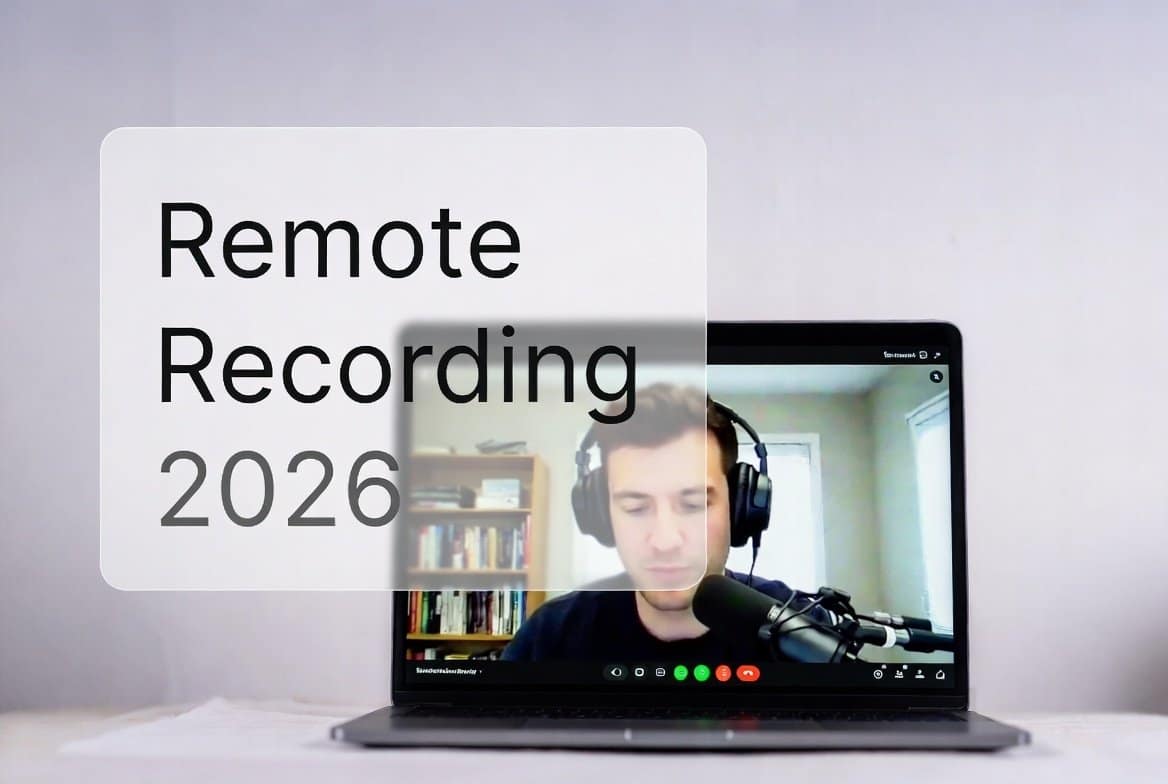
Hey friend, Ever tried interviewing a guest across the country… only to end up with muffled, robotic audio that makes listeners click away in seconds?
Yeah, I’ve been there. Back in my early podcasting days, I used plain Zoom and lost half my audience because the sound was trash. Fast forward to 2026 — remote podcasting is easier, better, and more professional than ever.
Today I’m sharing the best way to record podcast remotely right now. No fluff, just real steps that give you studio-quality results even if your guest is on a spotty Wi-Fi in rural Canada.
Let’s dive in like we’re chatting over coffee.
Why Remote Podcast Recording Blew Up in 2026
Podcasting keeps growing huge. More creators in USA and Canada want guests from anywhere without flying them in.
The big shift? Local recording tech. Instead of relying on internet for audio, tools now capture high-quality files straight on each person’s device.
No more “sorry, my connection dropped” excuses.
The 4 Best Ways to Record Podcast Remotely (Ranked for 2026)
1. Dedicated Remote Podcast Recording Software (The Clear Winner)
This is hands-down the best way to record podcast remotely in 2026.
These platforms record locally on everyone’s computer/phone, then upload perfect files. Internet glitches? No problem — audio stays clean.
Top picks right now:
- Riverside.fm — Still king for most pros. 4K video + 48kHz WAV audio tracks. Super reliable local capture. Great for video podcasts too.
- Zencastr — Awesome all-in-one. Built-in editing, AI tools, hosting options. Perfect if you want everything in one dashboard.
- SquadCast (now tied with Descript) — Clean interface, rock-solid reliability. Many creators love it for simple audio-first shows.
Quick tip: Start with Riverside’s free trial. It’s beginner-friendly but scales to pro level.
2. Double-Ender Method (Free & High Quality)
Both you and your guest record locally on separate devices.
Use a free call app (like Zoom or Discord) just to talk live. Then sync the files later.
Tools:
- Audacity (free) for recording
- Voice Memos on iPhone
- GarageBand on Mac
Pros: Zero cost, best possible quality.
Cons: Guests must hit record — send a quick checklist first.
This method saved my show during bad internet days.
3. Zoom + Local Backup (Quick Fix for Beginners)
Zoom is everywhere, so guests love it.
But don’t use Zoom’s recording — it’s compressed and sounds flat.
Instead:
- Record Zoom call for backup/reference
- Everyone records local audio with free software
Easy upgrade from nothing.
4. Other Tools Worth Checking in 2026
- Remotely.fm — Simple for non-techy guests
- Cleanvoice or Descript — For AI cleanup after recording
Stick to top 3 for most cases.
Step-by-Step: How to Record a Podcast Remotely Like a Pro
Ready to try it? Follow this checklist.
- Pick Your Tool Sign up for Riverside or Zencastr. Book a test call.
- Send Guest Prep Email
- Use wired headphones
- Quiet room
- Close apps/tabs
- Good internet (wired best)
- Test mic beforehand
- Set Up Your Gear
- USB mic like Blue Yeti or Audio-Technica
- Pop filter
- Quiet space
- Start Recording
- Hit record in the platform
- Do a 30-sec test
- Chat for real
- After the Call Files auto-upload Download separate tracks Edit in Audacity or Descript
Simple, right?
Must-Have Gear for Killer Remote Podcast Sound (Budget-Friendly)
You don’t need $1000 setup. Start here:
- Microphone: Fifine K669B (~$30) or upgrade to Samson Q2U (~$60)
- Headphones: Any closed-back over-ear
- Pop Filter: $10 on Amazon
- Mic Stand/Arm: Basic one for $20
Pro move: Record in a closet with blankets for natural sound booth.
Want stock images of podcast setups? Check Shutterstock for pro photos: https://submit.shutterstock.com/?rid=385839883
Common Mistakes to Avoid in 2026
- Skipping test recordings
- Using built-in laptop mics
- No headphones → echo hell
- Bad lighting for video podcasts
- Forgetting backups
Fix these, and your show sounds 10x better.
Final Thoughts: Pick Riverside for Most People
If I had to pick one best way to record a podcast remotely today? Go with Riverside.fm.
It’s reliable, sounds amazing, and keeps improving every month.
Your listeners deserve clear audio. Give it to them.
Need a fast, cheap website to host your podcast show notes? I’ve used Hostinger for years — fast loading, mobile-ready, and perfect for bloggers/podcasters. Grab it here with my discount: https://hostinger.com?REFERRALCODE=TAMZID99
Want more podcast resources? Check my Gumroad for templates: https://gumroad.com/discover?a=593719699
Now go record that episode!
Read more How to Grow Audience From Zero in 2026: Step-by-Step Journey
10 Most Searched FAQs About best way to record podcast remotely
What is the best way to record podcast remotely in 2026?
Dedicated local-recording platforms like Riverside.fm give the best quality audio and video without internet issues.
How do I record a podcast remotely for free?
Use the double-ender method: Call via Zoom/Discord, but record locally with Audacity or phone Voice Memos.
Is Riverside better than Zencastr for remote podcast recording?
Riverside wins for video + production quality. Zencastr is great for all-in-one editing/hosting.
What software records separate audio tracks remotely?
Riverside, Zencastr, and SquadCast all give individual WAV files per person.
Do guests need special software for remote podcast recording?
No — most tools work in-browser. Guests just click a link.
Can I record a video podcast remotely?
Yes, Riverside excels at 4K video with local capture.
What mic should I use for remote podcasting?
Start with a budget USB mic like Fifine or Samson Q2U.
How do I fix echo in remote podcast recordings?
Everyone wears headphones. Record in quiet rooms.
Is Zoom good for podcast recording?
Only as a backup. Use local tools for real audio quality.
What is the easiest remote podcast recording software for beginners?
Zencastr or Riverside — both have simple links and no downloads needed for guests.
My Medium Profile- check for my writings