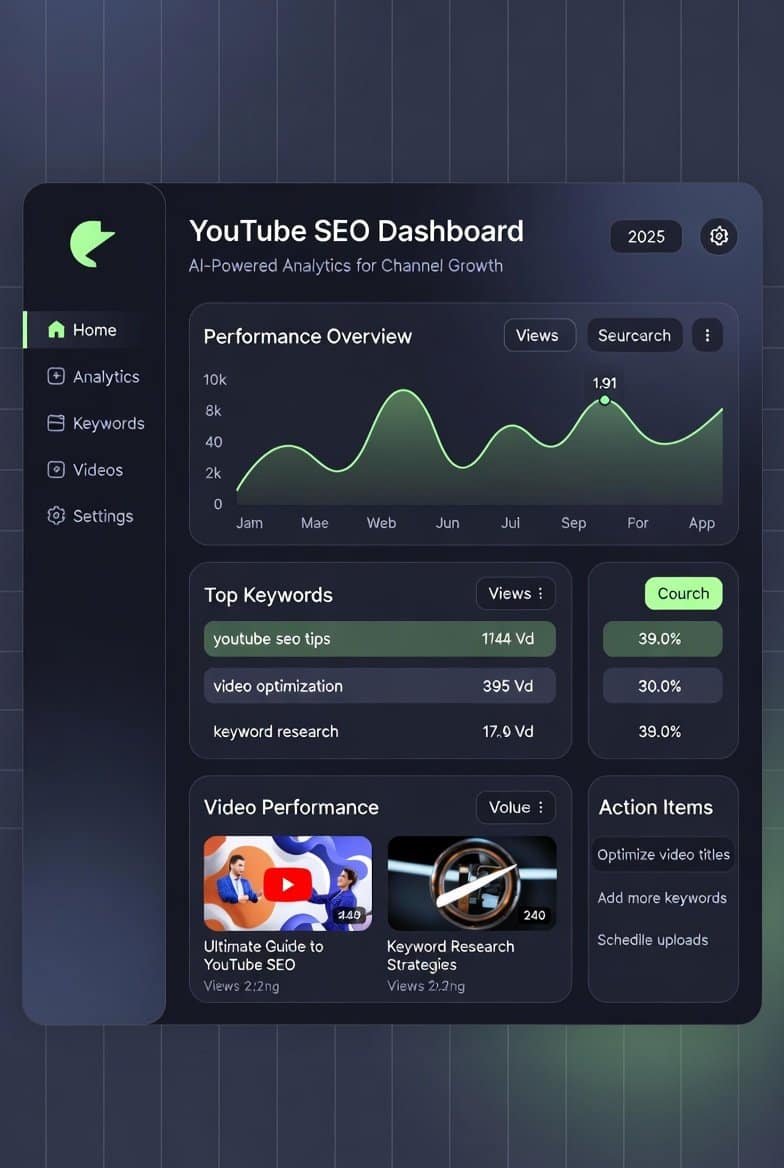
In 2025, YouTube remains the world’s second-largest search engine, with over 2.5 billion monthly users and billions of hours of content uploaded daily. Yet, creating great videos isn’t enough—without proper optimization, your content gets buried in the algorithm.
YouTube SEO (Search Engine Optimization) helps your videos rank higher in search results, appear in recommended feeds, and attract organic views. AI tools have revolutionized this process by automating keyword research, generating optimized titles and descriptions, suggesting tags, and even creating thumbnails.
This comprehensive guide explores the top AI-powered tools for YouTube SEO, how they work, and actionable strategies to implement them. Whether you’re a beginner creator or scaling a channel, these tools can save hours while driving real growth.
We’ll cover fundamentals, ai tools for youtube seo tool breakdowns, advanced tips, and common pitfalls—all backed by current best practices as of late 2025.
Why AI Tools Are Essential for YouTube SEO in 2025
YouTube’s algorithm prioritizes watch time, engagement, and relevance. Manual optimization is time-consuming and prone to guesswork.
AI tools analyze vast data from trending videos, competitor performance, and search trends to provide data-driven recommendations. Benefits include:
- Faster keyword discovery: Identify high-volume, low-competition terms.
- Optimized metadata: Generate titles, descriptions, and tags that align with search intent.
- Higher click-through rates (CTR): AI-suggested thumbnails and titles boost clicks by up to 154%.
- Competitive edge: Spy on top channels and replicate winning strategies.
- Scalability: Handle bulk optimizations for growing catalogs.
Creators using AI SEO tools report 2-5x faster growth compared to manual methods.
Understanding YouTube SEO Fundamentals
Before diving into tools, master the core elements YouTube’s algorithm evaluates.
Key Ranking Factors
- Title: Include primary keywords naturally; keep under 60 characters for full display.
- Description: First 100-150 characters matter most; include keywords, timestamps, and links.
- Tags: Mix broad and specific; help with related video suggestions.
- Thumbnail: Custom images outperform defaults; aim for high contrast and emotional faces.
- Watch time and engagement: CTR, likes, comments, and retention signal quality.
- Transcripts and captions: AI now analyzes spoken content for relevance.
AI tools excel at optimizing these without trial-and-error.
Common Mistakes to Avoid
- Keyword stuffing: Looks spammy and hurts rankings.
- Ignoring mobile: 70% of views are mobile—test thumbnails on small screens.
- Neglecting analytics: Always review YouTube Studio data post-upload.
Top ai tools for youtube seo in 2025
Here are the most effective AI-powered tools, ranked by popularity and features. Many offer free tiers or trials.
1. vidIQ: The All-in-One AI Powerhouse
vidIQ stands as a favorite for millions of creators, with advanced 2025 Vision AI features.
Key AI Features:
- AI Title and Description Generator
- Keyword research with search volume and competition scores
- Thumbnail suggestions and click probability scoring
- Competitor analysis and trend alerts
Pricing: Free basic; Pro from $7.50/month.
Best For: Comprehensive SEO and daily insights.
Actionable Tip: Use the AI Keyword Generator on your video topic for 10+ optimized title variations—test the top 3 with YouTube’s A/B testing.
2. TubeBuddy: Workflow Optimization Master
TubeBuddy integrates directly as a browser extension, making it seamless for uploads.
Key AI Features:
- AI Title and Tag Suggestions
- Thumbnail Analyzer (predicts CTR)
- Keyword Explorer with ranking tracker
- Bulk processing for old videos
Pricing: Free; Pro from $4.50/month.
Best For: Channel management and A/B testing.
Pro Tip: Run the Thumbnail Analyzer on multiple designs to pick the winner before uploading.
3. Taja AI: Repurposing and Optimization Specialist
Taja AI focuses on long-form content, generating SEO-optimized metadata and clips.
Key AI Features:
- Auto-generates titles, descriptions, chapters, and tags
- Creates Shorts from long videos with optimized hashtags
- Channel voice analysis for consistent branding
Pricing: Starts at $17.50/month.
Best For: Podcasters and long-form creators repurposing content.
4. General AI Writers (ChatGPT, Gemini, Claude)
Free LLMs handle custom SEO tasks brilliantly.
How to Use for YouTube:
- Prompt: “Generate 10 SEO-optimized titles for a video on [topic], including keyword [primary].”
- For descriptions: Include timestamps and calls-to-action.
- Tags: Request 20-30 relevant ones.
Best For: Budget-conscious creators needing flexible generation.
Advanced Prompt Example: “Act as a YouTube SEO expert. Analyze this transcript [paste] and suggest optimized title, description with timestamps, and 25 tags.”
5. AI Thumbnail Generators
Thumbnails drive 90% of clicks—AI makes pro designs easy.
Top Picks:
- vidIQ Thumbnail Maker: Data-driven, trained on high-CTR thumbnails.
- Canva Magic Studio: Text-to-image with YouTube templates.
- Pikzels or 1of10: Specialized for viral YouTube styles.
Tip: Always include faces, bold text, and high contrast. Test 3 variations.
Other Notable Tools
- Morningfame: Invitation-only; excellent for keyword guidance.
- OpusClip: AI clipping with SEO suggestions for Shorts.
- Makefy or TagifyNow: Niche tools for quick metadata.
Combine 2-3 tools (e.g., vidIQ + TubeBuddy + ChatGPT) for best results.
Step-by-Step Guide: Optimize a Video Using ai tools for youtube seo
- Research Keywords Use vidIQ or TubeBuddy Keyword Explorer. Target terms with high search volume and low competition.
- Generate Title Input topic into AI generator. Choose one with primary keyword front-loaded.
- Craft Description Use Taja or ChatGPT: Include keyword in first sentence, add timestamps, links, and hashtags.
- Add Tags Mix 5 broad, 10 specific, and 5 branded.
- Create Thumbnail Use AI generator with prompt like “Emotional face reaction to [topic], bold text overlay.”
- Upload and Monitor Check YouTube Analytics after 48 hours; adjust if needed.
Framework: Aim for 5-10% CTR and 50%+ retention for algorithmic push.
Advanced Strategies for 2025
- Voice Search Optimization: Include conversational keywords (e.g., “how to fix…”) as spoken search rises.
- Shorts SEO: Use vertical thumbnails and trending audio.
- Competitor Spying: Analyze top videos in your niche for patterns.
- A/B Testing: YouTube now supports native thumbnail tests—use them.
- Integrate with Hosting: To support your growing channel and monetize via AdSense, choose reliable hosting. For affordable, high-performance plans perfect for blogging about your YouTube journey or embedding videos, check out Hostinger—it’s fast, secure, and scales with your traffic.
If you’re selling digital products like YouTube templates or courses, explore platforms on Gumroad.
Addressing Common Objections
“AI content feels generic.”
Train tools with your channel data (e.g., Taja’s voice analysis) and always edit outputs.
“Will YouTube penalize AI use?”
No—YouTube encourages optimization. Just avoid misleading thumbnails or titles.
“Too many tools overwhelm me.”
Start with one (vidIQ or TubeBuddy) and add as needed.
“I’m on a budget.”
Free versions + ChatGPT/Gemini cover 80% of needs.
YouTube Updates 2026: 9 Game-Changing Features Every Creator Needs to Master Now
Unlock $100/Day Faceless YouTube Secrets: No Camera, No Stress – Start Earning Passive Income Today!
Conclusion: Take Action and Grow Your Channel
AI tools for YouTube SEO in 2025 level the playing field, turning guesswork into strategy. By leveraging vidIQ, TubeBuddy, Taja, and smart AI prompts, you can optimize faster, rank higher, and focus on creating.
Key takeaways:
- Prioritize keywords, titles, descriptions, tags, and thumbnails.
- Use AI for research and generation, but add your human touch.
- Track performance and iterate.
Start today: Pick one tool, optimize your next video, and watch views climb.
For more tips on content creation, blogging, and monetization, subscribe to my newsletter at Writers’ Hive—get weekly insights delivered straight to your inbox.
Ready to scale? Implement these strategies consistently, and your channel will thank you.
TAMZIDUL HAQUE 🖋️Writer
https://tamzidulhaque.com/ | https://medium.com/@tamzidulhaque
|https://substack.com/@haquetalks
FAQ
What are the best AI tools for YouTube SEO?
The top tools include vidIQ (for comprehensive AI features), TubeBuddy (for workflow and testing), and Taja AI (for metadata and repurposing). Free options like ChatGPT work great for custom generation.
How do AI tools improve YouTube rankings?
They analyze search data to suggest keywords, titles, and tags that match viewer intent, boosting relevance and CTR—key algorithm signals.
Is it worth paying for YouTube SEO tools?
Yes, for serious creators. Paid plans unlock advanced AI, saving time and driving 2-5x growth versus free/manual methods.
Can AI generate YouTube thumbnails?
Absolutely. Tools like vidIQ’s maker, Canva Magic Studio, and Pikzels create high-CTR thumbnails from text prompts in seconds.
Do AI-optimized videos get more views?
Yes—optimized metadata increases discoverability in search and recommendations, often leading to higher views and watch time.
Are free AI tools enough for YouTube SEO?
For beginners, yes. ChatGPT/Gemini plus free tiers of vidIQ/TubeBuddy handle most tasks effectively.
How often should I use AI for SEO?
For every upload. Research keywords pre-production, generate metadata during editing, and review analytics post-upload.
Will using AI hurt my channel?
No, as long as content is original and metadata accurate. YouTube rewards helpful, optimized videos.