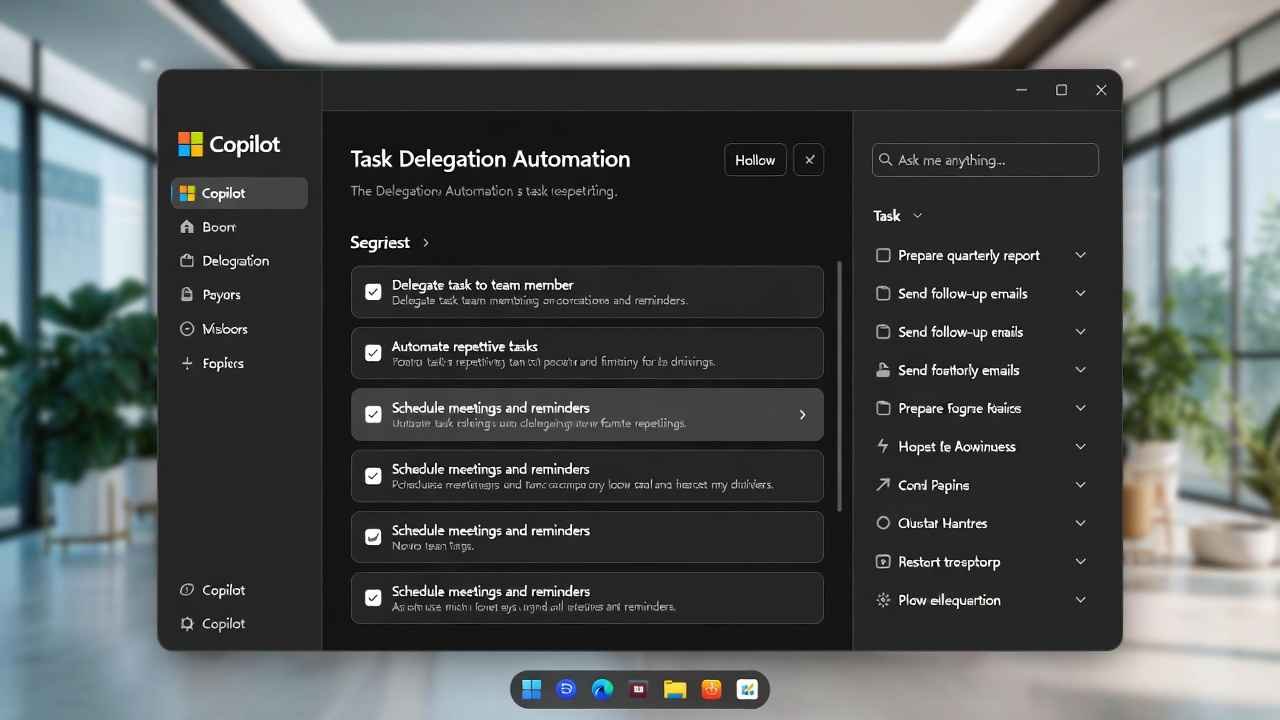
Hey friend, let’s get real. You’ve probably spent hours juggling emails, spreadsheets, and meeting invites. What if your AI didn’t just suggest stuff… but actually handled it?
That’s exactly what Microsoft delivered with Microsoft Copilot Cowork Features. Announced fresh on March 9, 2026, this isn’t another chat feature. It’s the execution layer that turns your intent into finished work.
What Is Copilot Cowork? The Simple Breakdown
Copilot Cowork is Microsoft’s new agentic AI inside Microsoft 365 Copilot.
It lets you delegate real tasks.
Say something like: “Update the Q1 sales report with latest data from Excel, pull insights from recent emails, create a PowerPoint summary, and schedule a review meeting with the team.”
Copilot Cowork doesn’t just reply with text.
It creates a plan.
Breaks it into steps.
Pulls data from your files, Outlook, Teams, and Excel.
Executes in the background.
Shows progress checkpoints.
You review, tweak, or approve at any point.
All this stays secure within Microsoft 365—no leaking data outside your org.
It’s built on Work IQ, Microsoft’s intelligence layer. Work IQ understands your work context: who you collaborate with, your files, past decisions. It makes Copilot act like it really knows your job.
Microsoft teamed up closely with Anthropic (the folks behind Claude) to bring this power in. They basically adapted the tech from Claude Cowork into Microsoft 365.
Why does this matter? Because regular Copilot chats are great for ideas. But real work needs action. Copilot Cowork bridges that gap.
Why Microsoft Launched Copilot Cowork Now (The Backstory)
Remember early 2026? Anthropic dropped Claude Cowork and it blew up in Silicon Valley. People loved how it handled complex, multi-step tasks with little supervision.
It sparked a wave—stocks dipped, everyone talked AI agents eating software jobs.
Microsoft didn’t sit still.
They announced Wave 3 of Microsoft 365 Copilot, including Copilot Cowork.
Satya Nadella shared on LinkedIn: Hand off a task, and it executes across apps, grounded in your data, with full governance.
This is Microsoft’s answer: Enterprise-grade, secure, integrated into the tools billions already use.
No need to switch apps or worry about data privacy. It runs inside your Microsoft cloud.
Key Microsoft Copilot Cowork Features You’ll Love
Here’s what stands out right now:
- Multi-Step Task Execution: Handles long-running work that takes minutes or hours. Not stuck in one prompt.
- Background Automation: Works while you do other things. Get notifications on progress.
- Full Work Context via Work IQ: Pulls from emails, meetings, files, chats. No manual uploading.
- Checkpoints & Control: See the plan. Pause, edit, or approve steps. You stay boss.
- App Integration: Outlook for emails/meetings, Excel for data, PowerPoint for decks, Teams for updates.
- Security First: Stays in Microsoft 365 boundaries. Enterprise governance, no external leaks.
- Collaboration with Anthropic: Uses tech similar to Claude for better reasoning on complex tasks.
Examples from demos:
- Build a full presentation from scattered notes and data.
- Pull sales figures into Excel, analyze trends, email summary.
- Organize project files, flag issues, propose fixes.
This saves hours per week for busy pros.
How to Use Copilot Cowork (Step-by-Step Guide)
Right now, it’s in Research Preview for limited customers. Broader rollout hits the Frontier program in late March 2026.
Once available:
- Open Microsoft 365 Copilot (in Teams, web, or apps).
- Switch to Cowork mode or say “Use Cowork to…”.
- Describe your goal clearly: outcome-focused, not step-by-step.
- Copilot creates a plan—review it.
- Hit go. Watch progress in real-time.
- Get alerts for checkpoints or completion.
- Edit on the fly if needed.
Pro tip: Start simple. Try “Summarize my unread emails from last week and draft replies for the urgent ones.”
Then scale up.
If you’re on Microsoft 365 Copilot ($30/user/month), some usage will be included. Extra might cost more—details coming soon.
Pros and Cons of Copilot Cowork (Honest Take)
Pros:
- Huge time-saver for repetitive or multi-app work.
- Secure for businesses—no random AI accessing data.
- Feels like a real teammate.
- Built on trusted Microsoft + Anthropic tech.
Cons:
- Still early (preview stage).
- Needs Microsoft 365 Copilot subscription.
- Complex tasks might need tweaks.
- Not free—enterprise pricing.
Overall? This could be the biggest productivity leap since Copilot launched.
How Copilot Cowork Compares to Claude Cowork
Claude Cowork started the buzz—great for individuals, fast, creative.
But it’s macOS-focused at first, less enterprise controls.
Copilot Cowork wins for businesses: Deep Microsoft integration, Work IQ context, governance.
If you’re in a company using Teams/Outlook/Excel, this fits better.
Future of Work: What Comes Next?
Microsoft calls this “Frontier Transformation.” Expect more agents, multi-model support (Claude + OpenAI), deeper automation.
AI isn’t replacing jobs—it’s handling the boring parts so you focus on big ideas.
Ready to try? Join waitlists or watch for late March rollout.
What do you think—game-changer or hype? Drop a comment!
How to Use Claude Skills Tutorial for Epic Workflow Automation in 2026
FAQs: Copilot Cowork
What is Copilot Cowork?
Copilot Cowork is Microsoft’s new AI feature in Microsoft 365 Copilot that executes multi-step tasks autonomously across apps like Outlook, Teams, and Excel.
When was Copilot Cowork announced?
Microsoft unveiled Copilot Cowork on March 9, 2026.
Is Copilot Cowork available now?
It’s in Research Preview for select customers. Wider access via Frontier program in late March 2026.
How is Copilot Cowork different from regular Copilot?
Regular Copilot chats and suggests. Cowork plans and completes full tasks in the background.
Does Copilot Cowork use Anthropic tech?
Yes, built in close collaboration with Anthropic, adapting Claude Cowork technology.
What is Work IQ in Copilot Cowork?
Work IQ is the intelligence layer that gives Copilot full context of your work data for smarter actions.
Is Copilot Cowork secure for enterprises?
Yes, it stays within Microsoft 365 security and governance—no external data sharing.
Can Copilot Cowork schedule meetings?
Yes, it checks calendars, drafts invites, and coordinates across tools.
How much does Copilot Cowork cost?
Included in some Microsoft 365 Copilot plans ($30/user/month base), with possible extra usage fees.
How to get Copilot Cowork?
Start with Microsoft 365 Copilot subscription. Watch for Frontier program invites in late March 2026.