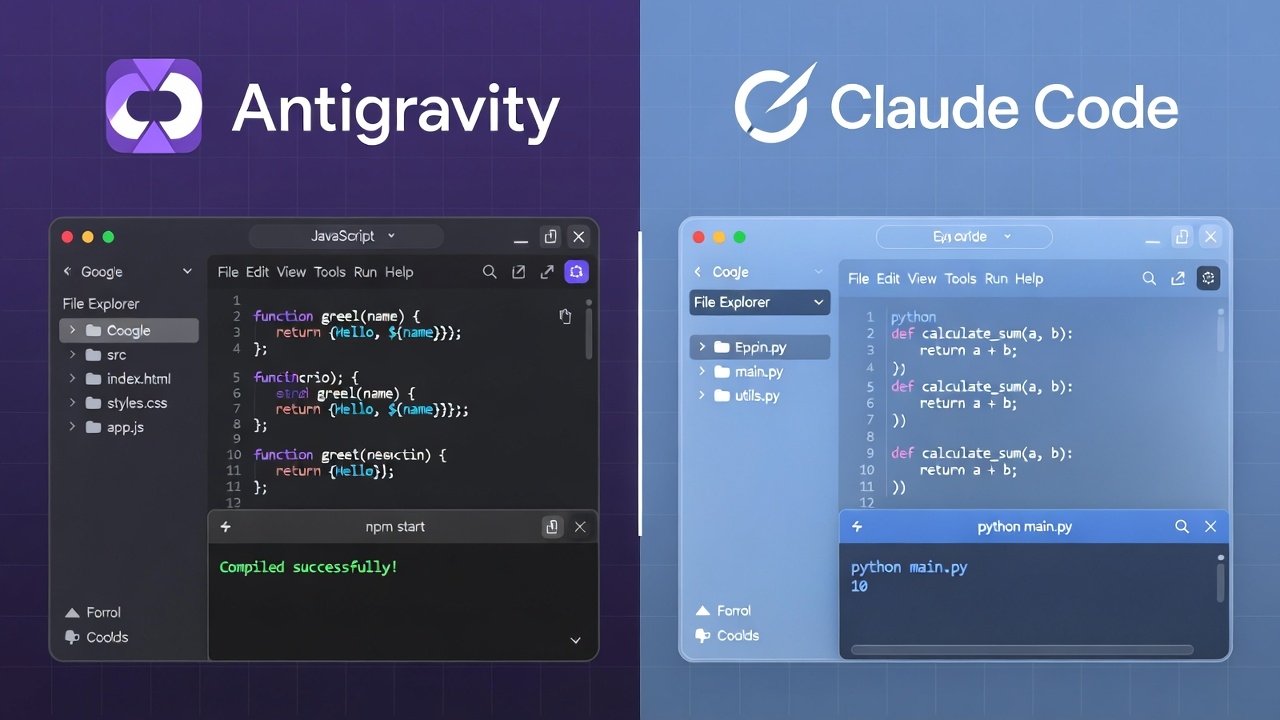
Hey, if you’re a developer tired of slow coding days, you’ve probably heard the buzz. Google dropped Antigravity late 2025 – a free, agent-first IDE that feels like magic. Then there’s Claude Code, the terminal beast from Anthropic that’s been crushing complex tasks for months.
I switched between both google antigravity vs claude code for real projects in early 2026. Built landing pages, fixed bugs in old codebases, even shipped a small SaaS tool. Here’s the honest breakdown so you can pick the right one fast.
No fluff – just what works today.
What Is Google Antigravity?
Google Antigravity is a full desktop IDE (forked from VS Code vibes) built for the “agent-first” era.
You give it a task in plain English like “Build a React dashboard that pulls data from Supabase and looks modern.” The AI agent plans steps, writes code, runs terminals, opens browsers for testing, and iterates until it’s good.
Key stuff:
- Powered mainly by Gemini 3 Pro (super smart in 2026)
- Also supports Claude Sonnet 4.5, Opus, even GPT-OSS
- Free in public preview (generous limits!)
- “Mission Control” dashboard shows agents thinking in parallel
- Cross-surface agents – code, terminal, browser all in one
It’s like having a dev team that never sleeps.
What Is Claude Code?
Claude Code is Anthropic’s AI coding assistant that lives in your terminal.
You run commands like claude build-feature “add user auth with JWT”. It reasons deeply, writes precise code, and handles big context without hallucinating much.
Strengths:
- Terminal-first workflow (fast if you love CLI)
- Uses Claude Sonnet 4.5 or Opus 4.5 – insane reasoning
- Great for deep codebase understanding
- Fewer reworks (some devs say 30% less editing)
But it’s not a full IDE – more like a super-powered pair programmer in your command line.
Head-to-Head: Google Antigravity vs Claude Code
Let’s compare what matters in real work.
1. Ease of Use & Learning Curve
Antigravity wins for most people. VS Code-like interface means zero shock. Jump in and vibe code right away.
Claude Code needs terminal comfort. If you’re already a CLI pro, it’s smooth. Otherwise, steeper curve.
2. Agentic Power (Autonomy)
Antigravity shines here. Agents plan, execute, test autonomously. You watch Mission Control and comment if needed. Great for end-to-end tasks.
Claude Code is strong but more step-by-step. You guide it more. Some love the control; others want full hands-off.
3. Design & Polish
Antigravity agents often prioritize nice UI/UX. One test built prettier landing pages out of the box.
Claude Code adds thoughtful content touches but focuses more on function over flash.
4. Pricing (Big Win for Antigravity)
Antigravity: Free preview with high limits on Gemini 3.
Claude Code: Paid plans ($20+/month for pro usage).
If you’re budget-conscious, Antigravity saves cash.
5. Model Flexibility
Antigravity lets you switch models – Gemini for planning, Claude for execution in the same tool.
Claude Code sticks to Anthropic models.
6. Speed & Iteration
Mixed reviews. Some say Antigravity ships faster with parallel agents. Others prefer Claude’s precise first drafts.
In my tests, Antigravity felt quicker for web apps; Claude won on backend logic.
7. Best For…
- Pick Antigravity if you want: Free tool, visual IDE, autonomous agents, multi-model support.
- Pick Claude Code if you want: Terminal precision, deep reasoning, less editing.
Many devs mix both – use Antigravity as base, pipe in Claude for tough parts.
google antigravity vs claude code- Real Story: My First Project Test
I gave both the same prompt: “Build a simple task manager app with React, Tailwind, local storage, dark mode toggle.”
Antigravity: Planned in minutes, scaffolded files, added polish, tested in browser agent. Done in ~15 min with minor tweaks.
Claude Code: Wrote solid code fast but needed more prompts for UI tweaks. Felt cleaner logically but less “pretty.”
Winner? Antigravity for speed-to-ship. But code quality was close.
Pros & Cons Quick List– Google Antigravity vs Claude Code
Google Antigravity Pros:
- Free right now
- Full IDE experience
- Autonomous agents rock
- Model choice (even Claude inside!)
Cons:
- Still preview – occasional bugs
- Heavy on resources sometimes
Claude Code Pros:
- Top-tier reasoning
- Precise, low-error code
- Great for complex logic
Cons:
- Paid after limits
- Terminal only (no visual editor built-in)
Read More- How to Use Google Analytics for Beginners 2026: Simple GA4 Setup Guide That Boosts Traffic Fast
Unlock Gemini in Google Drive: 4 Must-Know Features to Skyrocket Your Productivity in 2026
Unlock Gemini in Google Drive: 4 Must-Know Features to Skyrocket Your Productivity in 2026: Google Antigravity vs Claude Code 2026: Which AI Coding Tool Actually Wins?Which One Should You Choose in 2026?
If you’re starting fresh or hate subscriptions – grab Google Antigravity today. It’s free, powerful, and improving fast with Gemini 3.
Love terminal workflows and want max precision? Stick with Claude Code.
Best hack? Use both. Run Antigravity and tap Claude when needed. Some open-source proxies even let you mix them seamlessly.
Bottom line: Antigravity feels like the future for most devs right now – agent-first, free, and fun.
Try it yourself: Head to antigravity.google and download. You won’t regret it.
What do you think? Tried either yet? Drop a comment – I’d love to hear your wins (or frustrations).
TAMZIDUL HAQUE 🖋️ Writer |https://medium.com/@tamzidulhaque
https://writers-hive.beehiiv.com/ | https://substack.com/@haquetalks
FAQs Google Antigravity vs Claude Code 2026
1. What is Google Antigravity?
Google Antigravity is Google’s free agent-first AI IDE for autonomous coding with Gemini 3 Pro.
2. Is Google Antigravity better than Claude Code?
For most, yes – it’s free, visual, and more autonomous. Claude wins on deep reasoning.
3. Is Google Antigravity free in 2026?
Yes, public preview is 100% free with generous limits.
4. Can I use Claude models in Antigravity?
Yes! Switch to Claude Sonnet 4.5 or Opus inside Antigravity.
5. Google Antigravity vs Cursor – which is better?
Antigravity edges out for free agentic power; Cursor feels more familiar for VS Code fans.
6. Does Antigravity support multiple agents?
Yes – parallel agents in Mission Control for faster building.
7. What model powers Google Antigravity?
Mainly Gemini 3 Pro, but Claude and others available.
8. Is Claude Code terminal only?
Yes, it’s CLI-focused for precise control.
9. Can beginners use Google Antigravity?
Totally – VS Code-like and intuitive.
10. How to download Google Antigravity?
Go to antigravity.google – works on Mac, Windows, Linux