Hey friend,
Imagine scrolling LinkedIn and seeing post after post screaming “We’re hiring!” – but they’re all internships or recruiter spam. Frustrating, right?
I was there last year. Applied to 200+ jobs, heard crickets. Then I learned this one simple shift: stop using the basic search bar like everyone else.
Use LinkedIn Boolean search to guide how to use LinkedIn search to find jobs for hidden job posts directly. It changed everything for me – more replies, real conversations, even an offer in weeks.
In 2026, with AI screening resumes and fewer openings, you need an edge.
This guide walks you through exactly how to use LinkedIn search to find jobs – step by step. Let’s turn your search into a job pipeline.
Why Most People Fail at LinkedIn Job Search in 2026
LinkedIn has millions of jobs posted.
But 80% of searchers stick to the “Jobs” tab.
They miss the goldmine: regular posts where managers casually say “join my team.”
Recruiters flood the official tab. Hiring managers post in feeds.
Boolean tricks help you filter to those real signals.
Result? Less competition, warmer leads.
What Is LinkedIn Boolean Search? (Super Simple Explanation)
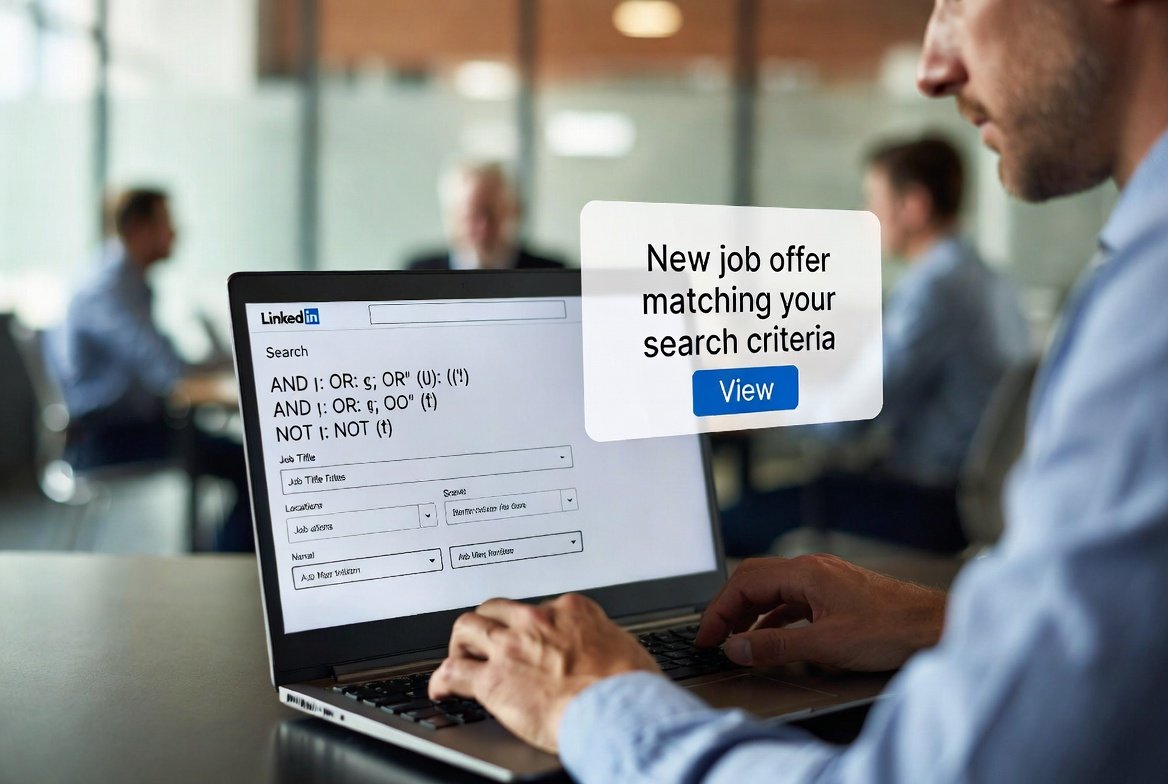
Boolean search uses words like AND, OR, NOT to tell LinkedIn exactly what you want.
- AND: Both terms must.
- OR: Either term works.
- NOT: Exclude stuff (the real magic).
- Quotes “exact phrase”.
- Parentheses () group ideas.
It’s like giving LinkedIn super-specific orders.
Most job seekers ignore this. You won’t.
Step-by-Step: how to use LinkedIn search to find jobs
Ready? Grab your laptop.
- Open LinkedIn and click the search bar at the top.
- Paste a smart string (I’ll give you winners below).
- Hit enter.
- Switch from “All” to “Posts”.
- Filter: Past week (fresh leads only).
- Bonus: Add location like “Canada” or “United States” if needed.
- Open posts. Read. Comment something real (not “interested!”).
- Connect with the poster. Send a short DM: “Loved your post about X – my background in Y fits perfectly. Open to chat?”
Do this daily. 30 minutes = 10x better than spamming applications.
Best LinkedIn Boolean Search Strings for Jobs in 2026
Basic Hiring Post Finder (My Go-To):
(“software engineer” OR “data analyst” OR developer) AND (hiring OR “we are hiring” OR “join our team” OR “looking for”) NOT (intern OR internship OR junior OR “entry level”)
Find Hidden Remote Job Posts:
(remote OR hybrid) AND (“product manager” OR PM) AND hiring NOT (onsite OR “in office” OR “5 days a week”)
Avoid Recruiter Spam – Target Real Managers:
(“marketing manager” OR marketer) AND hiring NOT (recruiter OR agency OR staffing OR “we’re hiring for clients”)
Mid-Senior Level Only (Higher Pay):
(“senior engineer” OR “lead developer”) AND (roadmap OR “cross-functional” OR lead) NOT (coordinator OR assistant OR junior)
Canada-Specific Twist:
Add Canada OR Toronto OR Vancouver OR “remote Canada” at the end.
Save 3 versions in Notes app. Rotate weekly for fresh results.
Read More-How to Write Engaging LinkedIn Posts That Get Noticed in 2026: Ten Powerful Tips
Real Story: How This Got Me Interviews in Weeks
Last spring, I targeted “content writer” roles.
Used:
(“content writer” OR “copywriter” OR “SEO writer”) AND (hiring OR “open position”) NOT (intern OR freelance)
Found a post from a SaaS founder: “Join our team – need strong writer for blog growth.”
Commented: “Hey, your growth tips resonate! I’ve boosted traffic 3x with SEO content – happy to share ideas.”
He replied in hours. DM led to interview. Offer followed.
No resume blast needed. Just smart search + genuine comment.
You can do this too.
Why Your LinkedIn Post Dies First Hour (And How the Algorithm Really Works in 2026): How to Use LinkedIn Search to Find Jobs Fast in 2026 – LinkedIn Boolean search That Actually Get You HiredExtra Tips to Boost Your LinkedIn Job Hunt in 2026 (how to use LinkedIn search to find jobs)
- Optimize your profile first. Add keywords in headline, about section. Recruiters search you back.
- Turn on “Open to Work” quietly (green banner to recruiters only).
- Post your own content weekly – builds visibility.
- Use LinkedIn Premium free trial if possible (better filters).
- Track searches in a simple sheet: date, string, leads found.
Pro move: If building a personal site for portfolio, check Hostinger – affordable, fast hosting with easy WordPress setup. (Full disclosure: affiliate link – https://hostinger.com?REFERRALCODE=TAMZID99 – helped me launch mine quick.)
Read More-
How to Grow LinkedIn from 0 in 2026: My Step-by-Step Guide from Scratch: How to Use LinkedIn Search to Find Jobs Fast in 2026 – LinkedIn Boolean search That Actually Get You HiredWhy Your LinkedIn Post Dies First Hour (And How the Algorithm Really Works in 2026)
Common Mistakes to Avoid
Don’t just search “jobs” – too broad.
Don’t comment “Me!” – sounds lazy.
Don’t message without engaging first.
Don’t ignore location filters – target USA/Canada for better matches.
FAQs: how to use LinkedIn search to find jobs
How do I use Boolean search on LinkedIn to find jobs?
Paste strings with AND/OR/NOT in the main search bar, switch to Posts, filter recent.
What are the best LinkedIn Boolean operators for job search?
NOT to exclude junk, OR for role variations, AND for must-haves like “hiring”.
Can LinkedIn search find hidden job posts in 2026?
Yes – focus on regular posts from managers, not official jobs tab.
Why use NOT operator in LinkedIn job search?
It removes internships, junior roles, agencies – shows real opportunities.
How to find remote jobs with LinkedIn search?
Add remote/hybrid AND hiring, NOT onsite.
Does LinkedIn Boolean work for Canada jobs?
Absolutely – add Canada cities or “remote Canada”.
How often should I run these LinkedIn searches?
Daily or every 2 days for fresh posts.
What if no results show up?
Broaden OR terms, remove some NOTs, check spelling.
Is LinkedIn Premium needed for advanced search?
No – basic Boolean works free.
How to comment on hiring posts to get noticed?
Be specific: reference their post, share quick value, ask open question.
There you go – your complete playbook.
Try one string right now. Tell me in comments what you find!
If this helped, share it with a friend job hunting.
Stay ahead in 2026. You’ve got this.