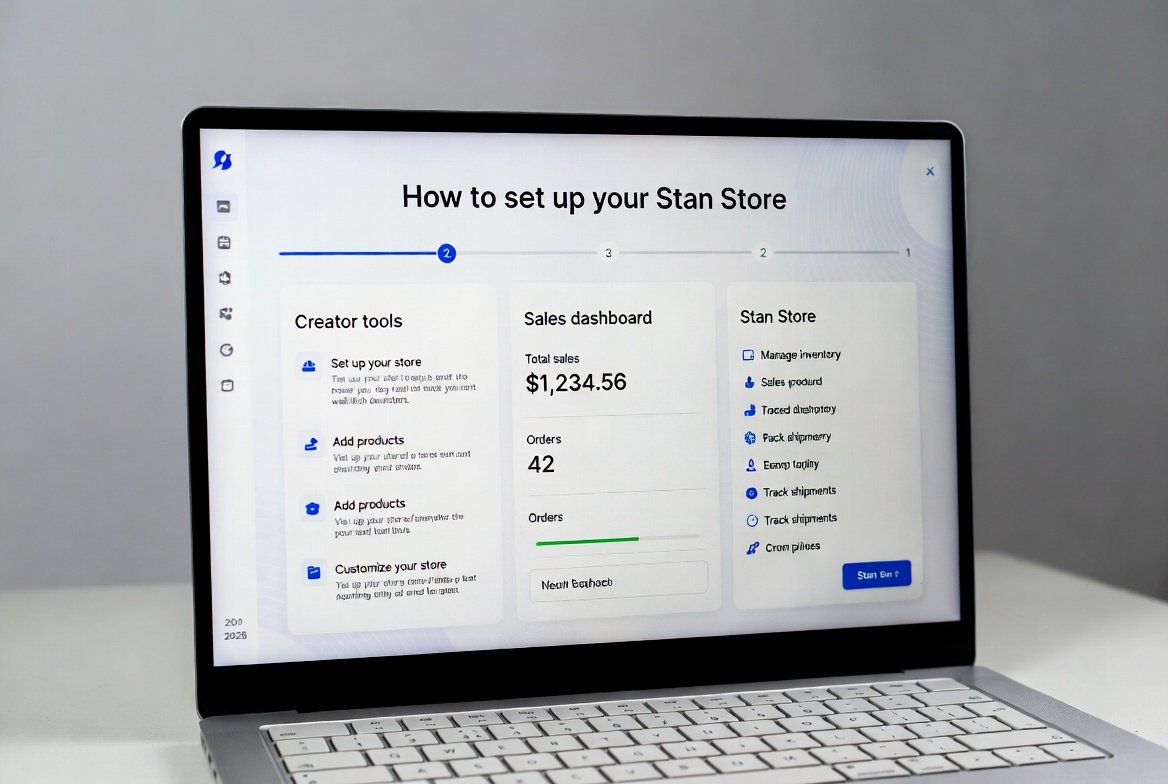
If you’re a creator—whether you’re writing newsletters, coaching, selling digital templates, or running a side hustle—chances are you’ve felt the pain of scattered links. One for Gumroad, another for Calendly, a messy Linktree bio, and audiences still asking “Where can I buy this?”
Stan Store fixes that in minutes. How to Set Up Stan Store ?
It’s the clean, mobile-first storefront that’s exploding among creators in 2026. With 0% platform fees on paid plans, lightning-fast payouts, built-in email capture, and seamless one-tap checkouts, it’s helping everyday writers, coaches, and content creators turn bios into real revenue machines.
In this in-depth guide (updated for 2026), I’ll walk you through every single step to get your Stan Store live, optimized, and How to Set Up Stan Store ready to convert. I’ve pulled from official Stan help docs, real creator results, and current pricing to make sure this is 100% accurate and actionable.
By the end, you’ll have a professional storefront that can realistically help you hit your first $1,000 (or more) in sales—without tech headaches.
How to Set Up Stan Store if in your mind ask these question Let’s dive in.
Why Stan Store Is Dominating the Creator Economy in 2026
Before setup, understand why thousands are switching:
- Zero platform fees on Creator plan ($29/mo) — you keep almost everything after Stripe’s cut
- Payouts in days, not weeks (Stripe rolling 2-day payouts)
- Built-in tools — email/SMS collection, upsells, bookings, memberships
- Mobile-first design that converts better on Instagram & TikTok traffic
- No-code simplicity — most creators launch in under 30 minutes
- 14-day free trial (often extended via referrals)
Compared to Gumroad , Linktree (limited sales features), or Teachable (higher costs), Stan gives you more control and money in your pocket.
Step 1: Sign Up for Your Stan Account (2 Minutes)
Head over to the official site: https://stan.store/
Click “Start My Trial” or “Sign Up Free.”
Options:
- Use email
- Connect with TikTok or Instagram (fastest for social creators)
Use the same email you’ll link to Stripe/PayPal later—saves time.
Pro tip: If signing up through a referral link (like ones shared by creators), you often unlock extended trials or bonuses. For example, some links give 14 days instead of 7.
Once inside, Stan prompts basic questions to auto-build a starter page. Answer honestly—it gives you a solid foundation you can tweak.
Step 2: Claim Your Stan Username (Your Forever Link)
This becomes your store URL: stan.store/yourname
Choose wisely:
- Keep it short and brand-aligned (e.g., stan.store/tamzid, stan.store/writershive)
- Avoid numbers/years unless essential (hurts memorability)
You can change it once for free early on. After that, it’s locked or costs extra—so pick something timeless.
Step 3: Customize Your Store Design (Make It Convert)
Stan’s dashboard is intuitive. Start with these high-impact edits:
Profile & Cover Images
- Profile: 1080×1080 headshot (smiling, well-lit = higher trust)
- Cover: 1584×396 banner — showcase your best offer, results, or lifestyle shot
Headline & Bio
Headline examples that convert in 2026:
- “Helping writers earn $5k+/mo with newsletters & digital products”
- “Templates & systems that made me $50k last year — now yours”
- “Quit your 9-5: My exact writing business roadmap”
Bio: 2-3 lines max. Include what you do + one big win + a subtle call-to-action.
Colors & Fonts
Match your brand or use clean 2026 trends:
- Neutral: Beige/black/white for professional creators
- Vibrant: Purples/pinks for lifestyle/coaching
- Dark mode: Sleek for tech/writing audiences
Preview on mobile—80%+ of traffic comes from phones.
Step 4: Add Your First Product (The Money Step)
Click “+ Add Product.” Top options for beginners:
Digital Products (Fastest to Launch)
- Ebooks, Notion templates, writing prompts, caption packs
- Upload files (PDFs, ZIPs, links to Google Drive/Notion duplicates)
- Price: $17–$67 for impulse buys (many hit $37 sweet spot)
Services & Bookings
- 1:1 coaching calls
- Group workshops
- Use built-in calendar for availability
Memberships/Subscriptions
- Recurring access to premium content (great for newsletters or ongoing value)
Upsell magic: After purchase, offer a related low-ticket item (+$20–$50). This alone can boost revenue 20-40%.
Delivery: Stan auto-sends files/links via email. Add a thank-you note for personal touch.
Step 5: Connect Payments (Stripe or PayPal)
Go to Settings > Payouts.
- Stripe (recommended): 2.9% + 30¢ per transaction — worldwide support
- PayPal: Instant to balance, but slightly higher fees in some regions
On Creator plan: 0% Stan fees. You keep ~97% after processor cut.
Verify identity if asked (standard for payouts).
Step 6: Set Up Email & SMS Capture (Build Your List Automatically)
Every visitor can opt-in—even non-buyers.
- Enable pre-purchase email capture
- Add pop-ups or embedded forms
- Use confirmation emails to nurture (welcome sequence gold)
Creators report growing lists 2-5x faster with Stan vs scattered links.
Step 7: Organize Sections & Add Social Proof
Structure like top stores:
- Pinned hero product
- Free lead magnet (builds trust fast)
- Product grid
- Testimonials (upload screenshots or quotes)
- Embedded YouTube/TikTok feed
- FAQ block
- “About Me” or booking button
Add trust signals: “Featured in [publication]”, earnings proof (blurred if needed), client results.
Step 8: Publish & Drive Traffic (Launch Day)
Hit “Publish” — your store goes live instantly.
Traffic sources that work best in 2026:
- Bio link on Instagram/TikTok/X
- Pinned posts/videos
- Newsletter footer
- YouTube descriptions/end screens
- Guest posts or collabs
Track with built-in analytics: views, add-to-carts, conversions. Read More
Stan Store Reviews 2026: Is It Actually Worth It Right Now?: How to Set Up Stan Store in 2026: The Ultimate Step-by-Step Guide for Creators to Launch & Sell FastStan Store Reviews 2026: Is It Actually Worth It Right Now?
Stan Store Pricing Breakdown (2026 Accurate)
- Free Plan: Basic features, 5% Stan fee, no custom domain, limited upsells
- Creator Plan: $29/mo or $300/year (~$25/mo) — 0% fees, custom domain, upsells, full analytics
- Creator Pro: $99/mo or $948/year — teams, funnels, priority support, multiple stores
Most creators start with Creator—it’s the best value for scaling.
Advanced Tips to Maximize Sales in How to Set Up Stan Store in 2026
- Custom domain: Connect yourname.com/shop (Creator+)
- Abandoned cart emails: Recover lost sales
- AutoDM integration (newer feature): Automate Instagram follow-ups
- Bundles: Sell 3 products for price of 2
- Waitlists: Build hype for launches
Test headlines, prices, and upsells—small tweaks add thousands.
How to Set Up Stan Store : Common Objections & Quick Answers on
“Is it worth $29/mo?”
Yes—if you sell even $300/mo, you break even fast (and keep more than Gumroad).
“Can beginners use it?”
Absolutely. No-code, templates, and help center make it beginner-friendly.
“Does it work internationally?”
Yes—Stripe/PayPal support 100+ countries.
Conclusion: Your Stan Store Could Be Your Best Business Decision of 2026
Setting up Stan Store takes under an hour, but the payoff lasts years. One clean link replaces chaos, captures emails, and sells while you sleep.
Don’t wait for “perfect.” Launch messy, iterate fast.
Ready to start? Sign up here and get your trial rolling: https://stan.store/
Once your store is live, drop the link in the comments—I’d love to check it out and cheer you on.
TAMZIDUL HAQUE 🖋️Writer https://tamzidulhaque.com
FAQ: Stan Store Setup & Usage Questions (2026)
How long does it take to set up Stan Store?
Most creators launch a basic store in 15-30 minutes. Full customization takes 1-2 hours.
Is Stan Store really free to start?
Yes—the free plan lets you test everything with a small platform fee. Upgrade to Creator ($29/mo) for 0% fees and pro features.
What payment processors does Stan support?
Stripe (recommended) and PayPal. Payouts are fast—often 2 days with Stripe.
Can I sell physical products on Stan Store?
Yes, but fulfillment is manual or via integrations like Printful. Best for digital + services.
Does Stan Store offer a custom domain?
Yes, on Creator plan and above. Connect your existing domain easily.
How do payouts work on Stan Store?
Connect Stripe/PayPal → sales go direct (minus processor fees). No long holds like some platforms.
Is Stan Store better than Linktree or Gumroad?
For selling: yes. Better checkout, fees, email capture, and upsells. Use it instead of Linktree for monetized bios.
Can I migrate products from Gumroad or elsewhere?
Yes—re-upload files and recreate listings. Stan’s simplicity makes migration quick.
What if I need help during setup?
Stan has excellent help docs, YouTube tutorials, and support on paid plans.
Does Stan work for writers and newsletter creators?
100%. Sell paid newsletters, templates, courses, coaching—many writers earn full-time income this way.