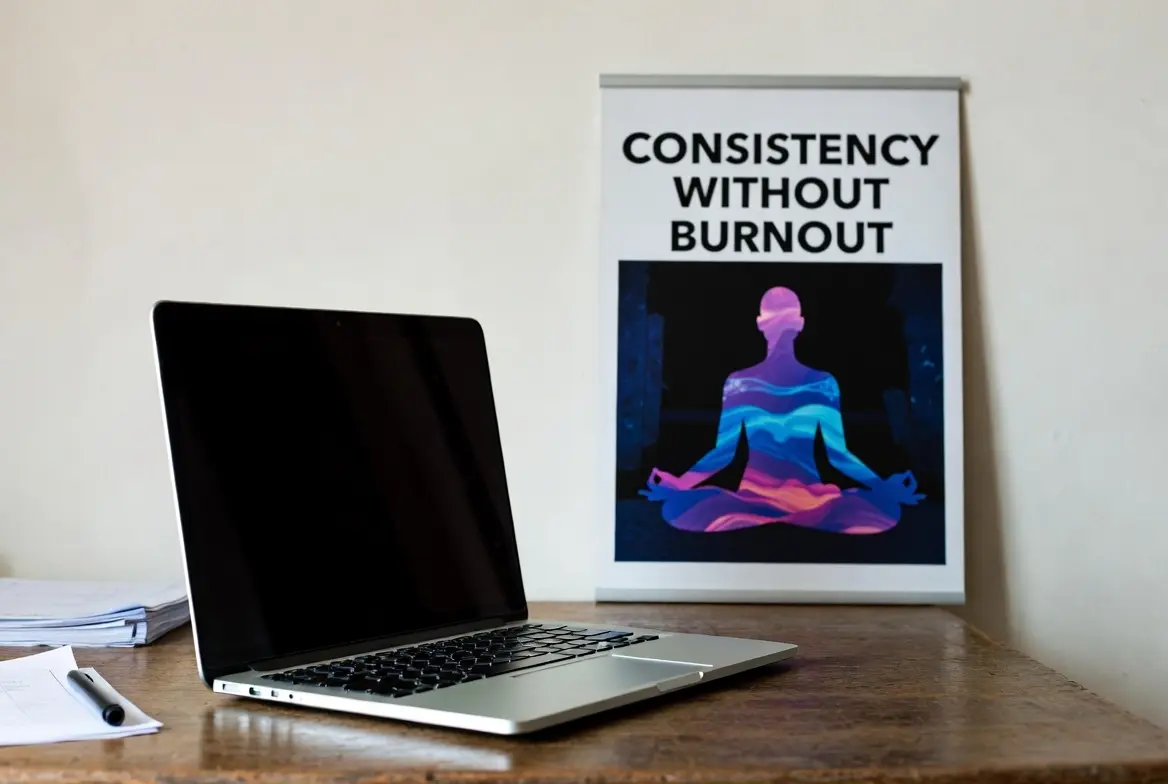
Starting a YouTube channel feels exciting—until the pressure to post consistently hits. You see creators uploading weekly (or daily) and growing fast, so you push harder. Then comes the fatigue: late nights editing, endless idea hunting, declining motivation. Before you know it, burnout creeps in, uploads stop, and the channel stalls.
The good news? youtube consistency without burnout doesn’t require grinding yourself into exhaustion. The algorithm rewards regular, quality content over perfect frequency, but it especially favors creators who show up reliably over years—not weeks.
In this guide, you’ll learn practical, proven systems to upload consistently while protecting your energy, creativity, and personal life. These strategies come from real creator experiences (including those balancing 9-5 jobs) and focus on working smarter, not harder.
Whether you’re just starting or trying to scale without crashing, here’s how to build lasting YouTube consistency without burnout.
Why Most Creators Burn Out Trying to Stay Consistent
Burnout hits when consistency feels forced. youtube consistency without burnout Common traps include:
- Overcommitting to unrealistic schedules (daily uploads when weekly is sustainable)
- Creating from scratch every video—no systems or buffers
- Tying self-worth to views, likes, and analytics
- Ignoring life outside YouTube (family, health, hobbies)
YouTube’s algorithm in 2025-2026 values viewer satisfaction metrics (watch time, retention, engagement) far more than rigid posting cadence. A creator posting once a week with strong retention often outperforms someone burning out on daily low-effort videos.
The goal isn’t maximum frequency—it’s sustainable frequency that lets you deliver value repeatedly.
Step 1: Choose a Realistic Upload Schedule You Can Actually Maintain
Start here. Overpromising kills consistency faster than anything.
- Begin with 1 video per week — This is the sweet spot for most creators with jobs or other responsibilities. It’s achievable and gives the algorithm enough signal.
- Consider your niche and life — Gaming or vlogs might allow more frequent shorts; educational or in-depth content suits longer weekly videos.
- Test and adjust — Commit to 3 months at one frequency, track results, then tweak.
Pro tip: Pick specific days and times (e.g., every Tuesday at 8 PM your local time). Consistency in timing trains your audience and boosts notifications.
Many creators who post 1-2× weekly for years grow faster than short-lived daily uploaders.
Step 2: Master Batching – Your #1 Anti-Burnout Weapon
Batching transforms chaotic creation into efficient production.
Batching means grouping similar tasks:
- Idea brainstorming day (once a month)
- Scripting/research block (Saturdays, 4 hours)
- Filming day (record 4-6 videos in one session)
- Editing marathon (edit in bulk while in flow)
Real example workflow:
- Month start: Brainstorm 12 ideas (1-2 hours)
- Week 1: Script 4 videos
- Weekend: Film all 4 (change outfits/lighting if needed)
- Next weeks: Edit and thumbnail one by one
- Schedule uploads ahead in YouTube Studio
This leaves buffer weeks for life surprises—no last-minute panic.
Creators report cutting production time by 40-60% with batching while maintaining (or improving) quality.
Step 3: Build an Evergreen Idea Bank to Never Run Dry
Idea scarcity causes stress and inconsistent posting.
Create a living idea bank:
- Use Notion, Google Sheets, or a simple notebook
- Columns: Video Title/Hook, Target Keyword, Format (tutorial, reaction, storytime), Status (Idea → Scripted → Filmed → Edited)
- Sources: Answer viewer comments, YouTube search suggestions, competitor analysis, personal experiences
Weekly habit: Spend 30 minutes adding 5-10 ideas. Review monthly to prioritize.
Evergreen vs. trending: Mix 70% timeless topics (that keep getting views) with 30% timely ones. Evergreen content reduces pressure during low-energy periods.
Step 4: Streamline Production with Templates and Systems
Decision fatigue kills creativity. Templates save mental energy.
- Thumbnail templates — Consistent branding (colors, font, face placement)
- Intro/outro templates — 5-10 second reusable segments
- Video structure frameworks — Hook → Problem → Solution → CTA (for tutorials)
- Editing presets — Color grading, audio levels saved in DaVinci Resolve/Premiere
Bonus: Record voiceovers in bulk, use AI tools for captions (YouTube’s auto + editing), repurpose long-form into Shorts.
These shortcuts let you focus on what matters: delivering value.
If you’re building your channel from scratch and need reliable, fast hosting for a companion website (portfolio, blog, or email list), consider Hostinger. It’s affordable, beginner-friendly, and perfect for creators wanting to expand beyond YouTube.
Step 5: Protect Your Mental Health – Non-Negotiable Boundaries
Consistency crumbles without self-care.
Daily/weekly safeguards:
- Set work hours (no editing after 9 PM)
- One full day off weekly—no YouTube
- Track energy: Notice patterns (e.g., Mondays low → admin day)
- Move your body, sleep 7-8 hours, eat well
Mindset shifts:
- Detach from daily analytics — Review weekly/monthly
- Celebrate process wins (finished script, uploaded video)
- Remember: One bad week doesn’t ruin your channel
If burnout signs appear (irritability, dread filming, procrastination), take a planned 1-2 week break. Announce it transparently—viewers respect honesty.
Many creators return stronger after intentional pauses.
Step 6: Leverage Tools and Automation for Effortless Consistency
Tools reduce manual work:
- YouTube Studio — Schedule uploads months ahead
- TubeBuddy / vidIQ — Keyword research, analytics
- Canva — Quick thumbnails
- Notion/Trello — Content calendar
- Descript/CapCut — Fast editing with AI features
Step 7: Scale Smart – Grow Without Increasing Burnout Risk
Once consistent:
- Add Shorts for extra reach (repurpose long-form clips)
- Collaborate to share workload
- Hire help (editor, thumbnail designer) when revenue allows
- Diversify income (memberships, affiliate, products) so pressure eases
Remember: Sustainable growth beats explosive-then-crash.
Youtube consistency without burnout: Build a YouTube Habit That Lasts a Lifetime
Consistency without burnout comes from systems, not superhuman effort. Choose a realistic schedule, batch everything possible, build idea reserves, use templates, set boundaries, and leverage tools.
Start small: Pick your frequency today, batch your next 4 videos, and schedule them. Protect your energy fiercely—YouTube success is a marathon.
Check out my writings: YouTube Shorts Length in 2026: Does Shorts length affect views?
When is the Best time to upload a Youtube video?
TAMZIDUL HAQUE 🖋️Writer —
https://tamzidulhaque.com/ | https://medium.com/@tamzidulhaque
https://writers-hive.beehiiv.com/ | https://substack.com/@haquetalks
10 Truly Untapped YouTube Niches 2026 (Under 10K Channels – Start Earning Fast!): How to Maintain YouTube Consistency Without Burnout: YouTube Consistency in 2026YouTube’s Hidden Fix: How to Add Corrections to Videos Without Losing Views in 2026!
FAQ: Most Common Questions About youtube consistency without burnout
How many videos per week should I upload to grow on YouTube without burning out?
Most sustainable creators post 1 long-form video per week plus 3-7 Shorts. Quality and retention matter more than volume—start here and scale only when systems are solid.
Does the YouTube algorithm punish me if I miss uploads?
No strict punishment for occasional misses if your content performs well. Consistent quality builds momentum; sporadic high-quality > forced low-quality.
How do I come up with video ideas consistently?
Build an evergreen idea bank, mine comments/search suggestions, and batch brainstorm monthly. Focus 70% on timeless topics.
What are early signs of YouTube burnout?
Dreading filming/editing, procrastination, irritability about analytics, physical fatigue, loss of passion for your niche.
Can I use AI to help without losing authenticity?
Yes—use AI for research, captions, idea prompts, or thumbnails. Keep your voice and stories personal.
How long should my break be if I’m burned out?
1-4 weeks minimum. Announce it, then return refreshed. Many creators see view spikes after honest breaks.