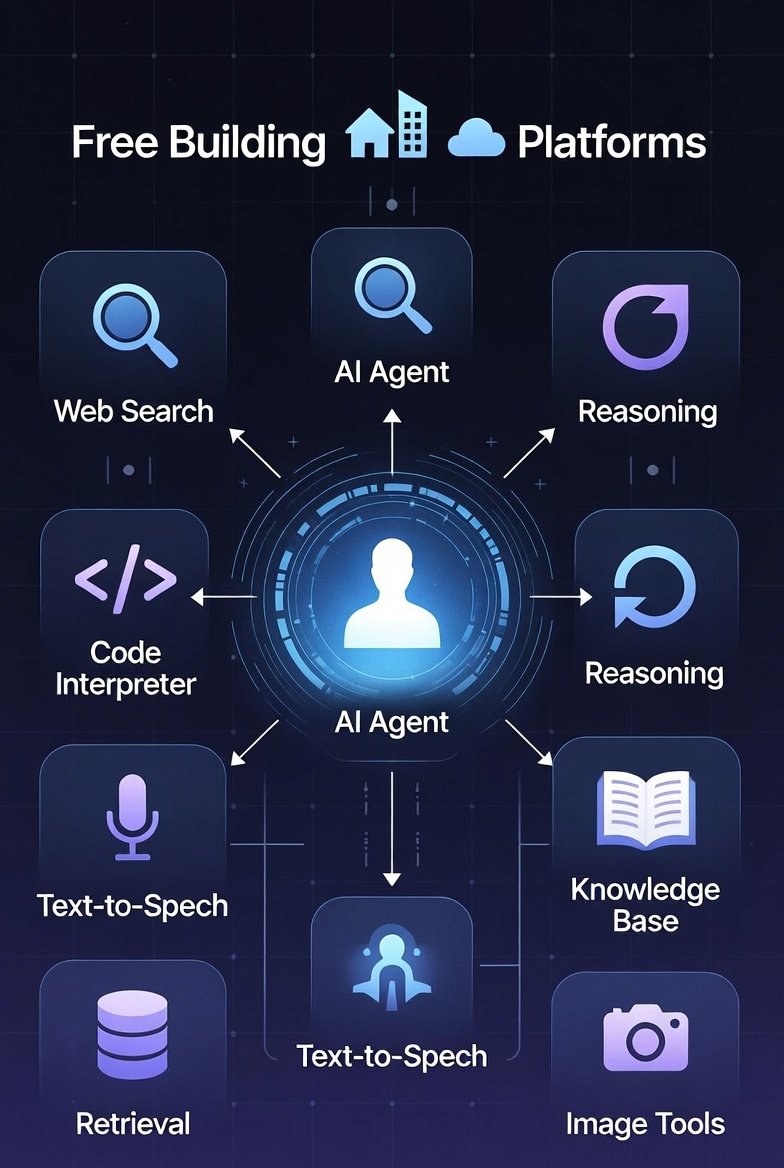
In 2026, AI agents are transforming how we automate tasks, handle customer queries, and streamline workflows. Unlike basic chatbots, AI agents can reason, use tools, remember context, and take autonomous actions to achieve goals.
The best part? You can build powerful create ai agent for freeusing open-source tools and no-code platforms. No expensive subscriptions or advanced coding skills required.
This comprehensive guide walks you through everything you need to know: from understanding AI agents to hands-on tutorials using the top free methods. Whether you’re a beginner, marketer, entrepreneur, or developer, you’ll have your first AI agent running by the end.
We’ll cover no-code options for quick starts and code-based frameworks for more control—all at zero cost. Create AI Agent for Free
What Is an AI Agent and Why Build One?
An AI agent is an autonomous system powered by large language models (LLMs) that can:
- Perceive input (e.g., user queries)
- Plan and reason step-by-step
- Use tools (e.g., search the web, access APIs, process data)
- Execute actions and iterate until the goal is complete
Examples include:
- A customer support agent that resolves tickets via email
- A research agent that summarizes web content
- A personal assistant that books appointments
Building your own AI agent lets you customize it for specific needs, save time, and even monetize it (more on AdSense potential later).
Common objections:
- “It’s too technical” → No-code platforms make it drag-and-drop simple.
- “It costs money” → All tools here have robust free tiers or are fully open-source.
- “Free versions are limited” → You can achieve production-ready agents without paying.
Top Free Ways to create ai agent for free
Here are the best free options, ranked by ease of use:
No-Code/Low-Code Platforms (Easiest for Beginners)
These require zero programming and let you build agents visually.
- FlowiseAI – Open-source drag-and-drop builder powered by LangChain.
- Free to self-host or use cloud free tier.
- Templates for conversational agents, RAG (retrieval-augmented generation), and tool-using agents.
- n8n – Open-source workflow automation with built-in AI agent nodes.
- Self-host for free or use cloud free trial/community edition.
- Excellent for agents that integrate with apps (e.g., Gmail, Slack).
- Botpress – Free tier for building advanced conversational agents with tools.
- Visual flow builder + integrations.
- Relevance AI – Free credits to build and deploy teams of agents.
- MindStudio – Visual builder with free access for basic agents.
Open-Source Code Frameworks (More Powerful and Customizable)
Run these locally for unlimited free usage (use free LLMs like Groq, Ollama, or Hugging Face).
- LangChain/LangGraph – The most popular framework.
- Build single or multi-agent systems.
- Free MIT license.
- CrewAI – Role-based multi-agent orchestration (e.g., researcher + writer agents).
- AutoGen (Microsoft) – Conversation-based multi-agent framework.
These pair perfectly with free hosting options.
Step-by-Step: build ai agent free with No-Code (FlowiseAI)
Flowise is one of the easiest and most powerful free tools. It’s open-source and deploys in minutes.
Step 1: Get Started
- Go to FlowiseAI.com or self-host via Docker (free).
- Sign up for the cloud version (free tier available) or run locally.
Step 2: Create a New Flow
- Choose a template: “Conversational Agent with Tools” or “RAG Agent”.
Step 3: Add Components
- Drag in an LLM node (use free options like Groq’s Llama models – get a free API key at groq.com).
- Add tools: Web search, calculator, or custom APIs.
- Connect a chat interface.
Step 4: Add Memory and Tools
- Enable conversation history for context retention.
- Test: Ask your agent to “Research the latest AI news and summarize.”
Step 5: Deploy
- Embed as a widget on your site or share a link.
- Fully free for personal use.
Advanced: Build a Multi-Agent System with CrewAI (Free Coding Option)
For more power, use CrewAI – completely free and open-source.
Prerequisites
- Install Python (free).
- Get a free LLM API key (e.g., Groq, Anthropic free tier, or local Ollama).
Step-by-Step Code Tutorial
- Install CrewAI:text
pip install crewai - Create agents.py:Python
from crewai import Agent, Task, Crew from langchain_openai import ChatOpenAI # Or use Groq, etc. # Use free LLM llm = ChatOpenAI(model="llama3-groq-70b", api_key="your_groq_key") researcher = Agent( role='Researcher', goal='Find accurate information', backstory='Expert web researcher', llm=llm, tools=[web_search_tool] # Built-in or custom ) writer = Agent( role='Writer', goal='Create engaging content', backstory='Professional blogger', llm=llm ) task1 = Task(description='Research best hosting for blogs', agent=researcher) task2 = Task(description='Write a blog post summary', agent=writer) crew = Crew(agents=[researcher, writer], tasks=[task1, task2]) result = crew.kickoff() print(result) - Run it – your agents collaborate automatically!
This is unlimited and free locally.
Hosting Your AI Agent for Free
To make your agent accessible online:
- Local Hosting: Use ngrok (free tier) for tunneling.
- Free Cloud Options:
- Deploy Flowise/n8n on Render.com or Railway.app free tiers.
- For code-based: Vercel, Hugging Face Spaces (free for agents).
If you’re building a blog or site to showcase/monetize your agents, I recommend Hostinger – affordable, reliable hosting with one-click installs for AI tools. Use my link for a discount!
Monetizing Your AI Agents with AdSense
Many creators build AI agent-powered sites (e.g., tool directories, demo pages) and earn from Google AdSense.
Tips:
- Create a blog reviewing free AI tools.
- Embed agent demos.
- Drive traffic via SEO and social.
- Apply for AdSense once you have quality content.
Realistic earnings: $500–$5,000/month for high-traffic niches.
You can also sell agent templates on Gumroad – a great platform for digital products.
Best Practices and Common Pitfalls
- Start small: Build a simple Q&A agent first.
- Use guardrails: Limit tool access to prevent errors.
- Test thoroughly: Agents can “hallucinate” – add verification steps.
- Privacy: Don’t input sensitive data with cloud LLMs.
Conclusion: Start Building Today
Creating AI agents for free is easier than ever in 2026. Whether you choose no-code tools like Flowise or powerful frameworks like CrewAI, you can launch sophisticated agents without spending a dime.
Pick one method, follow the steps, and experiment. Your first agent could automate your workflow, power a side project, or even generate income.
Ready to dive deeper? Subscribe to my newsletter at Writers Hive for weekly tips on AI, blogging, and monetization.
What will your first AI agent do? Share in the comments!
Written by TAMZIDUL HAQUE 🖋️Writer tamzidulhaque.com | Medium | Writers Hive | Substack
Claude vs ChatGPT 2026: Is claude better than chatgpt?
FAQ
Can I really create an AI agent for free?
Yes! Use open-source tools like Flowise, n8n, LangChain, or CrewAI with free LLM APIs (Groq, Ollama local models).
Do I need coding skills?
No for no-code platforms like Flowise or Botpress. Basic Python helps for advanced frameworks.
What are the best free LLMs for AI agents?
Groq (fast Llama models), Ollama (run locally), Hugging Face free inference.
Is it possible to host an AI agent online for free?
Yes – use Render, Railway, or Hugging Face Spaces free tiers.
How do AI agents differ from chatbots?
Agents can use tools, plan multi-step tasks, and act autonomously; chatbots mostly respond to prompts.
Are free AI agents secure and reliable?
With proper guardrails, yes. Self-host for maximum control and privacy.
Can I monetize a free-built AI agent?
Absolutely – embed on a blog for AdSense, sell templates on Gumroad, or offer as a service.