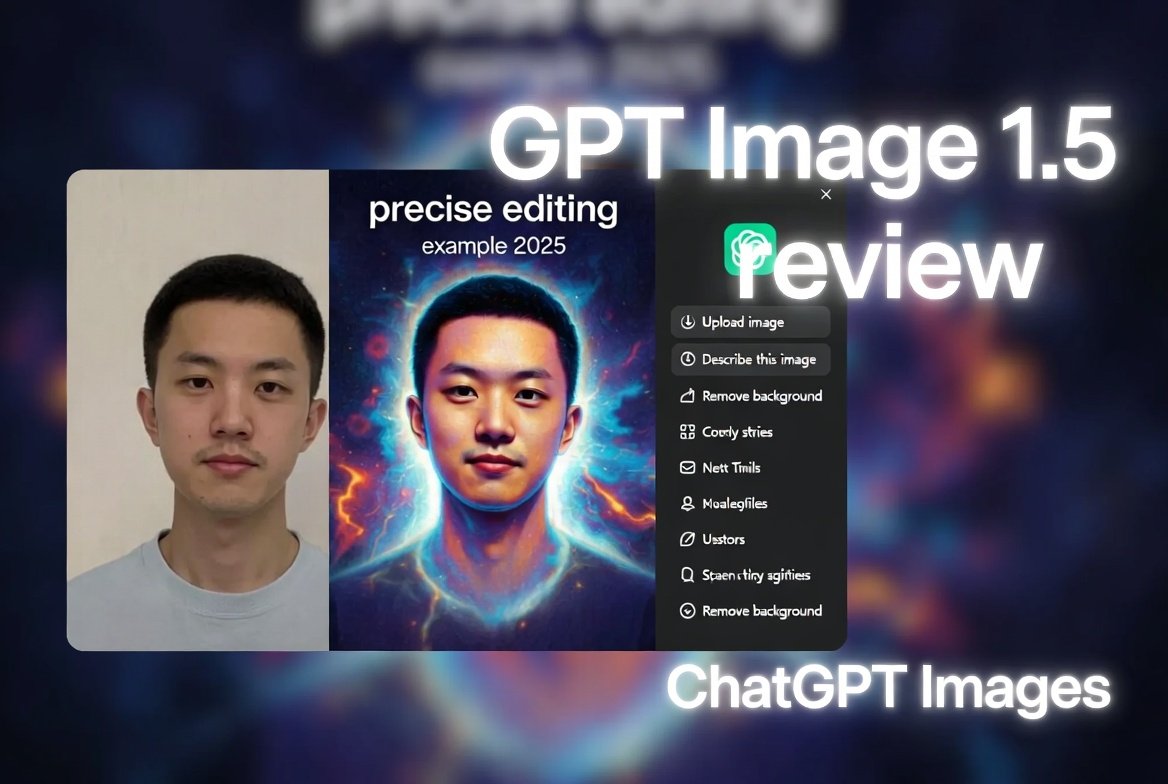
Hey friend, imagine this: You’re brainstorming ideas for your next blog post or social media campaign. You need stunning visuals fast, but hiring a designer costs a fortune, and stock photos feel generic.
Then, boom – OpenAI launches GPT Image 1.5 on December 16, 2025. It powers a revamped ChatGPT Images experience that’s rolling out to everyone right now.
I dove in immediately to test it. As someone who creates content daily, I was blown away. This ChatGPT Images update 2025 feels like OpenAI finally nailed what we all want: quick, accurate AI image generation and editing that matches your vision.
Stick with me. I’ll share my honest GPT Image 1.5 review, real examples I made, and why it might be the best AI image editor 2025 for you.
What Exactly Is GPT Image 1.5?
Let’s keep it simple.
OpenAI released GPT Image 1.5 as their flagship image model. It powers the new “ChatGPT Images” feature inside the ChatGPT app and website.
This isn’t just a small tweak. It’s a full upgrade from the older version (still available as a custom GPT if you prefer it).
Key highlights from the launch:
- Up to 4x faster image generation – no more endless waiting.
- Better at following your instructions exactly.
- Precise editing that changes only what you ask for.
- Keeps details consistent, like faces, lighting, and composition.
It’s available to all ChatGPT users – free or paid – and via the API for developers.
OpenAI accelerated this release to compete with rivals like Google’s Nano Banana Pro. The AI image race is heating up!
Why This ChatGPT Images Update 2025 Matters
Last year, AI image tools were fun but frustrating. Prompts often missed the mark. Edits rewrote the whole image. Generation took forever during peak times.
My story: I tried creating product mockups for a side project. The old tool kept changing backgrounds randomly or messing up text. I gave up and used basic edits in Canva.
Now, with GPT Image 1.5, it’s different. OpenAI focused on practical, real-world use – especially for creators, marketers, and businesses.
They added a dedicated “Images” sidebar in ChatGPT. It’s like your own creative studio with preset styles, trending prompts, and easy exploration.
No more digging through chat history. Jump in, pick a filter, and start creating.
Hands-On GPT Image 1.5 Review: What I Tested
I spent hours playing with it on launch day. Here’s what stood out in my GPT Image 1.5 review.
Speed: Actually 4x Faster?
Yes! Old generations sometimes took 30-60 seconds per image. Now, most pop up in under 15 seconds.
I generated a series of 10 variations of a prompt. It flew through them. Perfect for iterating ideas quickly.
Instruction Following: Does It Listen Better?
Huge yes. I prompted: “A cozy coffee shop interior with rainy window, warm lighting, and a laptop on the table.”
It nailed it on the first try – rain streaks, steam from coffee, everything.
Then I added: “Make the laptop show a blog dashboard with charts.”
It updated just that part. No random changes to the scene.
This makes GPT Image 1.5 feel smarter than before.
Precise Editing: The Real Game-Changer
This is where it shines as a potential best AI image editor 2025.
Upload a photo or use a generated one. Then say: “Remove the red hat and add a blue scarf.”
It does exactly that. Keeps the person’s face, pose, and lighting identical.
I tested with a selfie edit: “Change my shirt to a green sweater and add glasses.”
Result? Spot-on. No weird artifacts or face swaps.
For brands, this means consistent logos and product placement across edits.
Text Rendering and Details
Text in images used to be a mess – blurry or wrong.
Now, it’s sharp. I made a poster: “2025 Goals: Create More, Stress Less” in bold font.
It handled dense, small text perfectly.
Faces and hands look more natural too. No more six-finger horrors in most cases.
Real Examples from My GPT Image 1.5 Tests
Here are some I created during this review (descriptions since we’re text-based, but imagine these in your ChatGPT!):
- Product Mockup: “White t-shirt on a model in a park, with logo saying ‘Dream Big’.” Then edited to change colors – consistent every time.
- Social Media Graphic: “Motivational quote card: ‘The best time to start was yesterday’ in minimalist style.” Added background elements without messing up text.
- Fun Edit: Uploaded a dog photo and said “Put a superhero cape on him.” Hilarious and precise!
Pro tip: Use the new preset filters for quick styles like “vintage,” “cyberpunk,” or “watercolor.”
Read more How to Prompt GPT-5.2 Effectively: Your Easy 2025 Guide to Smarter AI Responses
25+ ChatGPT Facebook Post Prompts & AI Ideas for 2025: Skyrocket Your Engagement Without the Burnout: GPT Image 1.5 Review 2025: Is OpenAI’s New ChatGPT Images the Best AI Image Editor Yet?How GPT Image 1.5 Compares to Competitors
In this GPT Image 1.5 review, fairness matters.
Vs. Google’s Nano Banana Pro: Nano Banana excels at hyper-realistic blends and text. But ChatGPT Images integrates seamlessly into your daily chats. Plus, it’s faster for iterations.
Vs. Midjourney or Stable Diffusion: Those are powerhouse for artists. But GPT Image 1.5 is easier for beginners – no complex prompts needed.
For everyday users, this ChatGPT Images update 2025 wins on convenience.
If you’re into stock photos, check out Shutterstock for pro images. Browse contributor opportunities here.
Tips to Get the Most from ChatGPT Images
As your friend guiding you, here are my top tips:
- Be specific in prompts: Include style, lighting, composition.
- Use edits iteratively: Start broad, then refine.
- Upload references: Great for consistent characters or brands.
- Try trending prompts in the sidebar for inspiration.
- For hosting your creations, I love Hostinger – fast and affordable. Check it out here.
Limitations I Noticed in This Review
Nothing’s perfect.
- Some art styles (like extreme anime) aren’t as strong yet.
- Complex science diagrams can have errors.
- Still hits usage limits on free plans during busy times.
But OpenAI says more improvements are coming soon.
Is GPT Image 1.5 the Best AI Image Editor 2025?
In my opinion? For most people – yes.
It’s free to try, integrated into ChatGPT (which you probably already use), and focused on practical editing over just wild generations.
If you create content, market products, or just love making visuals – this ChatGPT Images update 2025 will save you time and spark ideas.
Go log in and test it yourself. Start with something simple like “A futuristic city at sunset.”
You’ll see what I mean.
What do you think? Drop your first creations in the comments – I’d love to hear!
Frequently Asked Questions (FAQs)
What is GPT Image 1.5?
GPT Image 1.5 is OpenAI’s latest AI model for generating and editing images. It powers the new ChatGPT Images feature, launched December 16, 2025.
How do I access ChatGPT Images with GPT Image 1.5?
Open ChatGPT (web or app), look for the “Images” tab in the sidebar. It’s rolling out to all users now.
Is GPT Image 1.5 free?
Yes! Available to free and paid ChatGPT users. API access has pricing, reduced 20% from before.
What’s new in the ChatGPT Images update 2025?
Faster generation (up to 4x), precise edits, better instruction following, dedicated creative hub with presets.
How does GPT Image 1.5 compare to DALL-E or older versions?
It’s a big upgrade – smarter, faster, and better at consistent edits than previous ChatGPT image tools.
Can GPT Image 1.5 edit uploaded photos?
Absolutely. Upload an image and describe changes – it modifies only what you specify.
Is GPT Image 1.5 better than Google’s Nano Banana?
It depends. GPT Image 1.5 excels at speed and ChatGPT integration. Nano Banana is strong in realism and blending.
What are the best prompts for GPT Image 1.5?
Be detailed: Describe subject, style, lighting, mood. Use the sidebar presets for quick starts.
Are there limits on GPT Image 1.5 usage?
Yes, like all ChatGPT features. Plus users get higher limits.
Will GPT Image 1.5 improve further?
OpenAI promises more updates – finer edits, better styles, and multilingual support soon.
Thanks for reading, friend. If this helped, share it! And join my newsletter for more tips on growing as a writer and creator: Subscribe to Writers Hive