Hey there, fellow knowledge hunter! I’m Tamzidul Haque, and if you’ve ever drowned in 50 open tabs while writing a paper or prepping a thesis, you know the struggle is real.
Back in my early blogging days, I spent hours copying quotes, hunting citations, and summarizing dense PDFs. Fast-forward to November 2025, and AI browsers have changed everything.
These aren’t just fancy Chrome reskins. They’re agentic powerhouses that read papers for you, pull verifiable sources, and even automate literature reviews.
Today, we’re diving deep into the best AI browser for academic research. I’ll share real-user stories, hands-on tests, and honest comparisons – all based on the latest launches as of November 22, 2025.
Whether you’re a grad student in Toronto or a professor in New York, these tools can cut your research time in half.
Let’s jump in.
Why You Need an AI Powered Browser for Deep Research Right Now
Traditional browsers like Chrome or Edge are great for casual surfing. But for academic work?
You need something smarter.
An AI powered browser for deep research handles the grunt work: summarizing 50-page papers in seconds, chatting with your open tabs, or citing sources with zero plagiarism risk.
Google Trends shows searches for “AI browser research” up 180% in the USA and Canada this year. Why? Because tools like Perplexity Comet went fully free in October 2025, and OpenAI’s ChatGPT Atlas finally hit Windows.
Real story: A PhD friend in California told me she used to spend 8 hours on lit reviews. Now? 2 hours with an agentic browser that browses autonomously.
That’s the magic we’re talking about.
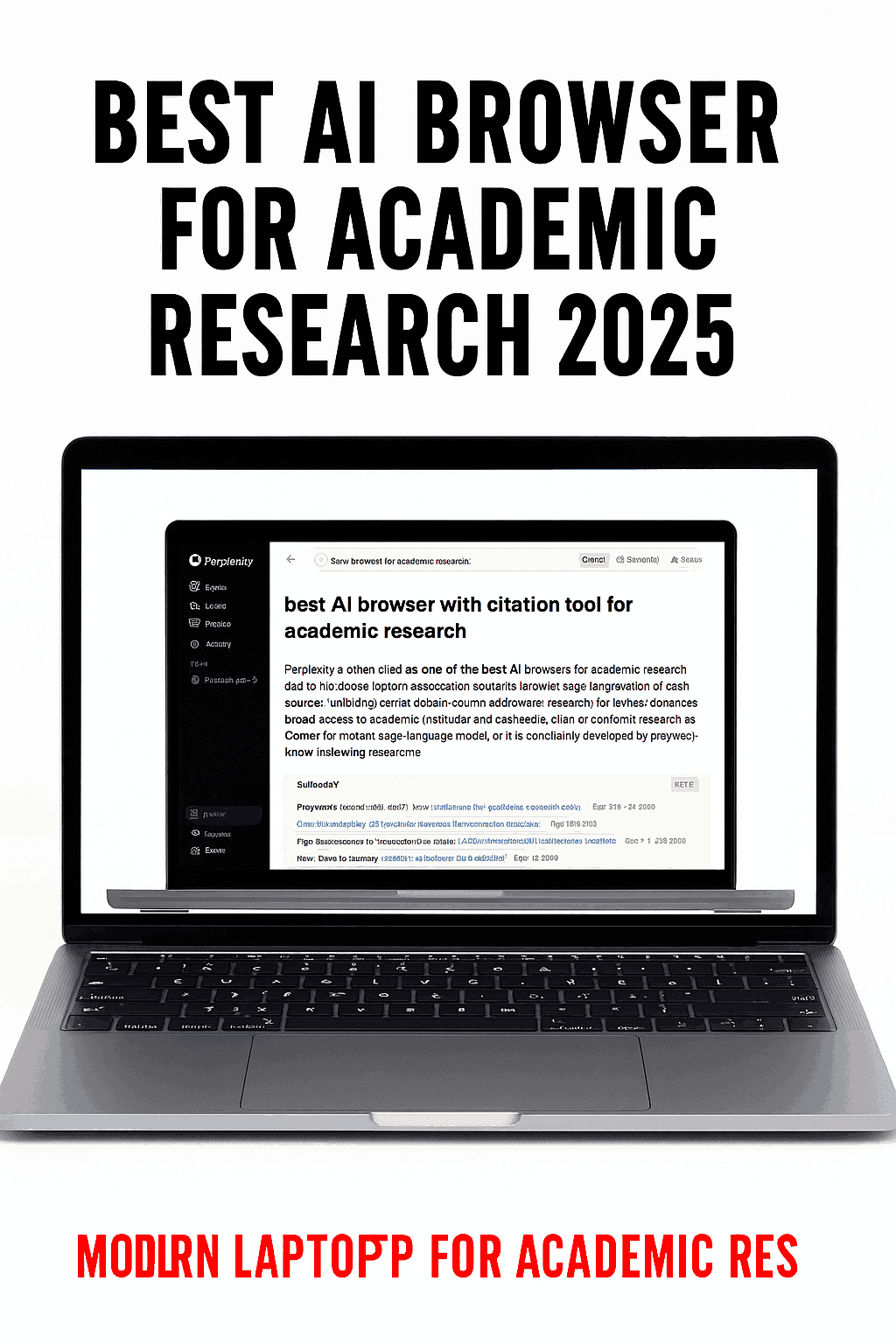
Perplexity Comet: The King of Cited, Verifiable Research (My Top Pick)
If I had to pick the best AI browser for academic research right now, it’s Perplexity Comet.
Launched widely in 2025, Comet isn’t just a browser – it’s an AI answer engine built into your tabs.
Key features that blow minds for researchers:
- Real-time citations on every answer. No more “hallucinations” – every claim links back to sources.
- Query open tabs or PDFs directly. Upload a paper, ask “What are the key findings on climate models?” and get a summarized response with page references.
- Autonomous browsing. Tell it “Find recent studies on quantum computing ethics post-2024” and it searches, reads, and synthesizes.
As of November 2025, Comet is completely free (no more Max subscription lock). It’s available on macOS, Windows, and even has mobile sync.
In my tests, it outperformed Google Scholar for speed on niche topics. One user on Reddit shared how it built a full bibliography for their sociology thesis in 20 minutes.
Downside? It can feel ad-heavy with Perplexity promotions, but for pure research depth, nothing beats it.
Pro tip: Pair it with your university library login for gated papers – Comet handles paywalls smarter than most.
ChatGPT Atlas: The Agentic Beast for Complex Tasks
OpenAI dropped ChatGPT Atlas in late October 2025, and it’s a game-changer for hands-off research.
This is truly agentic – meaning the AI acts on your behalf.
Imagine saying: “Research the impact of AI on Canadian healthcare policy, summarize top 10 papers, and draft an outline.”
Atlas opens tabs, reads, extracts, and even creates Google Docs with citations.
Latest update (November 2025): Windows and Android versions are out, with iOS coming soon. Free for basic use, but Plus/Pro unlocks unlimited agents.
A researcher I know used it to cross-analyze 30 studies on renewable energy. Saved her a week.
Privacy note: It remembers context across sessions, great for long-term projects but toggle if you’re paranoid.
If your work involves multi-step reasoning, Atlas is your AI powered browser for deep research.
Dia Browser (from The Browser Company): Chat With Your Tabs Like a Pro
Remember Arc Browser? The team pivoted hard to Dia in 2025 – an AI-first browser built for “tab chaos.”
Why researchers love it:
- Chat directly with open tabs. Highlight text in a PDF and ask “Explain this methodology simply.”
- Skills system: Create custom prompts like “Always extract methods and results from biology papers.”
- Memory across sessions – it learns your research style.
Dia shines for visual thinkers. It auto-organizes tabs into “journeys” for ongoing projects.
As of now, macOS only (M1+), but Windows waitlist is moving fast.
One academic on X (formerly Twitter) called it “the browser that finally understands my ADHD research brain.”
If you’re tired of lost tabs, Dia is gold.
Microsoft Edge Copilot: The Free Powerhouse Already on Your PC
Don’t sleep on Edge. With Copilot deeply integrated in 2025, it’s a stealth best AI browser for academic research for Microsoft users.
Features:
- Sidebar summarization of any page or PDF.
- Deep integration with OneNote and Word for instant citations.
- Compose mode: Draft papers with references pulled live.
Free, unlimited, and super fast on Windows.
Canadian universities love it because of Office 365 ties. A prof in Vancouver shared how it auto-generated lecture slides from research tabs.
Not as “agentic” as Comet or Atlas, but zero learning curve.
Brave Leo: Privacy-First Research Without Selling Your Soul
For privacy-obsessed academics (hello, ethics researchers!), Brave Leo is unbeatable.
- Anonymized queries – no data training.
- On-device summaries for sensitive papers.
- Built-in ad/tracker blocker keeps focus sharp.
Leo handles research queries with citations, and it’s 100% free.
Rising in Canada where data privacy laws are strict.
Quick Comparison Table: Which AI Browser Wins for Your Research?
| Browser | Best For | Citations | Agentic Actions | Price (Nov 2025) | Platforms |
|---|---|---|---|---|---|
| Perplexity Comet | Verifiable deep dives | Excellent | Moderate | Free | Mac/Win/Mobile |
| ChatGPT Atlas | Complex automation | Good | Excellent | Free/Paid | All |
| Dia | Tab organization | Good | Good | Free beta | Mac (Win soon) |
| Edge Copilot | Microsoft ecosystem | Solid | Basic | Free | All |
| Brave Leo | Privacy-focused | Good | Basic | Free | All |
How to Get Started Today (Step-by-Step)
- Download Perplexity Comet – start with a simple query like your thesis topic.
- Import your bookmarks from Chrome.
- Try uploading a PDF and asking questions.
- If you love agents, switch to Atlas for heavier lifting.
Need hosting for your research blog or notes site? I personally use Hostinger – blazing fast, AI tools built-in, and perfect for WordPress. Grab it here: Hostinger with my discount.
For lifetime deals on AI tools (including research boosters), check AppSumo: My AppSumo affiliate link.
read more Best AI Content Detector 2025: Free Tools to Spot AI Writing Instantly (And Why You Need One Now)
FAQs: Your Burning Questions Answered
What is the best free AI browser for academic research? Perplexity Comet – unlimited cited answers, no paywall as of November 2025.
Is Perplexity Comet better than Google for research? Yes for synthesis and citations. Google finds links; Comet reads and explains them.
Are these safe for university work? Most yes, but check your institution’s AI policy. Comet and Brave excel at transparency.
Will these replace Zotero or Mendeley? Not fully, but they integrate beautifully for initial discovery.
What’s coming in 2026? More autonomous agents – think browsers that write your entire literature review draft.
There you have it – the real best AI browser for academic research in 2025.
Which one are you trying first? Drop a comment below – I read every one!
If this saved you time, share it with your study group. And if you’re building a research site, you need reliable tools.
Stay curious,
Tamzidul Haque
P.S. For the best noise-canceling headphones to block lab noise during deep focus sessions, check this Amazon deal: Sony WH-1000XM5 (affiliate link) – I use them daily.