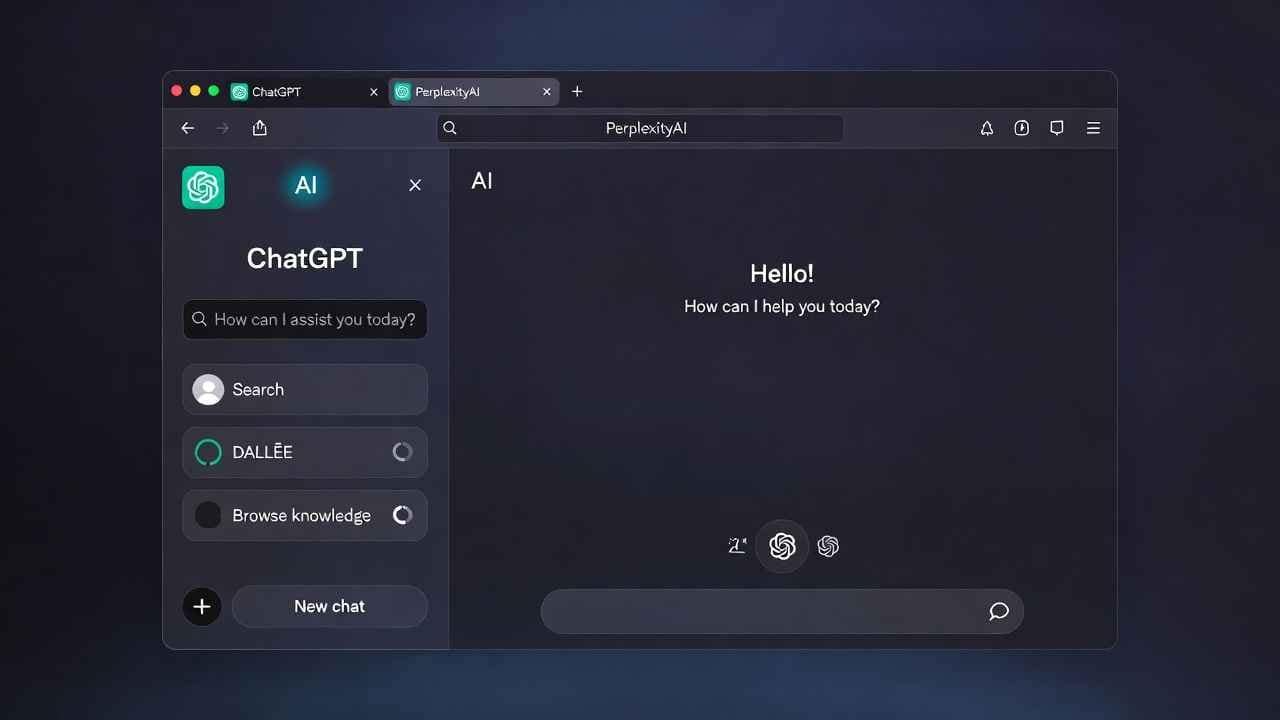
The rise of AI browsers marks one of the biggest shifts in how we interact with the web since Google Chrome dominated the scene. Tools like OpenAI’s ChatGPT Atlas and Perplexity’s Comet aren’t just adding chat sidebars—they’re rebuilding the browsing experience around large language models that understand pages, answer questions in context, summarize content, and even perform multi-step tasks autonomously.
But jumping in without preparation can expose your data, habits, and security in unexpected ways.
In this in-depth guide, we’ll break down the 5 key things to know before using an AI browser & ai powered browser drawing from real-world usage patterns, privacy realities, feature comparisons, and practical advice to help you decide if (and how) to adopt one. Whether you’re a productivity enthusiast, researcher, or casual surfer, these insights will help you browse smarter—and safer—in 2026.
What Exactly Is an AI Browser?
Traditional browsers like Chrome, Firefox, or Safari load pages, manage tabs, and handle extensions. AI browsers go further by centering large language models (LLMs) at the core.
- OpenAI’s ChatGPT Atlas (launched October 2025): A standalone browser (starting on macOS, with more platforms coming) featuring a persistent ChatGPT sidebar. It reads the current page for context, offers summaries, rewrites text, compares products, and activates “Agent Mode” for tasks like booking flights or researching purchases (available to Plus/Pro/Business users).
- Perplexity’s Comet (launched July 2025, free worldwide by October): A Chromium-based browser that turns every page into a research portal. Highlight text for instant explanations, get source-cited answers, organize findings in workspaces, and enjoy strong fact-checking focus.
- Others like Microsoft Edge Copilot Mode, Brave with Leo, or emerging players add AI layers but remain closer to traditional browsing.
These tools promise to eliminate endless tab-switching and manual searching. Instead of Googling, you ask questions directly about what you’re viewing.
1. Understand Exactly What Data You’re Sharing (And How Much Context the AI Gets)
The biggest shift—and risk—with AI browsers is context sharing.
When you open a page and interact with the AI sidebar:
- The AI automatically attaches the current webpage’s content (text, images, sometimes structure) as context for your query.
- In Atlas, a bubble shows the attached site name, making it visible.
- In Comet, it’s tab-specific—if you’re on a sensitive page, the AI sees it unless you switch tabs.
This goes beyond what regular browsers track (URLs and basic analytics). AI browsers process full page content to provide relevant responses.
Real-world example: Asking Atlas to “summarize this article and suggest related reads” sends the entire page text to OpenAI’s servers for processing.
Actionable tips:
- Use incognito/private modes for sensitive browsing.
- For Comet, open a blank tab before sensitive chats to avoid attaching content.
- Review what gets shared—many users overlook that login pages, emails, or banking details could leak if mishandled.
Many wonder: “Is it really private?” Not fully. Even with controls, processing happens on company servers unless explicitly local (rare in these browsers).
2. Turn Off Model Training and Manage Memory Features Immediately
AI companies improve models using user interactions—unless you opt out.
In ChatGPT Atlas:
- “Improve the model for everyone” (on by default) allows training on your direct ChatGPT interactions and browsing data.
- Browser memory (for contextual recommendations) is optional and can use local storage.
Perplexity Comet offers privacy modes (including strict local processing in some tiers), but default settings still send data for real-time answers.
Why this matters: Once data trains a model, it’s hard to remove. Future versions could regurgitate patterns from your history.
Step-by-step to protect yourself:
- In Atlas settings: Disable “Improve the model for everyone.”
- Turn off or limit browser memory if you don’t need personalized suggestions.
- In Comet: Enable strict privacy mode if available in your tier.
- Regularly clear history and attached contexts.
Pro tip: Treat AI browsers like smart assistants—configure them conservatively from day one.
3. Recognize the Power (and Limits) of Agentic Features
“Agentic” means the AI doesn’t just answer—it acts.
- Atlas shines here: Agent Mode handles multi-step workflows (research + purchase + email draft).
- Comet focuses more on research synthesis, citations, and quick insights, with lighter automation.
Benefits:
- Save hours on repetitive tasks (planning trips, comparing specs, filling forms).
- Context-aware help: No copy-pasting URLs or explaining pages.
Limitations and objections:
- Accuracy isn’t perfect—hallucinations still occur, especially in complex tasks.
- Paywalls/blockers: These browsers sometimes bypass restrictions by mimicking human behavior, raising ethical questions for publishers.
- Speed trade-offs: Agent actions can take longer than manual clicking for simple needs.
If you’re productivity-focused, Atlas may edge out. For research-heavy work, Comet’s source transparency wins.
Test small: Start with low-stakes tasks like “summarize this news article” before delegating bookings.
4. Compare AI Browsers vs. Traditional Ones – When to Switch ai browser
Don’t ditch Chrome yet. AI browsers excel in specific scenarios:
Best for AI browsers:
- Heavy researchers needing instant cited answers (Comet).
- Task automators (Atlas Agent Mode).
- Users tired of tab overload and manual synthesis.
Stick with traditional:
- Maximum extension compatibility (many AI browsers limit or don’t support all Chrome extensions).
- Proven security track record.
- No desire to send page content to third-party AI.
Hybrid approach: Keep Chrome as primary, use AI browser for research sessions.
Current leaders (2026):
- Atlas: Best for action-oriented workflows.
- Comet: Best for transparent, fact-based discovery.
5. Prioritize Security, Privacy, and Long-Term Habits
AI browsers introduce new vulnerabilities:
- Agent actions could execute unintended tasks if prompted poorly.
- Data stored for memory/context creates larger breach surfaces.
- Emerging risks: AI bypassing paywalls or blockers raises legal/ethical issues.
Essential safeguards:
- Use strong, unique passwords and enable 2FA on AI accounts.
- Avoid sharing credentials or financial details.
- Monitor permissions and revoke access periodically.
- Stay updated—AI browser features evolve fast.
The future looks agentic, but thoughtful adoption beats blind enthusiasm.
Conclusion: Browse Smarter, Not Harder
AI browsers like ChatGPT Atlas and Perplexity Comet represent the next evolution of the web—conversational, proactive, and task-capable. They save time and unlock insights, but only if you handle privacy proactively.
Start small: Install one (Comet is free and easy), tweak settings, test on non-sensitive tasks, and evaluate if the gains outweigh the data trade-offs.
Happy (and safe) browsing!
Best AI Browser for Academic Research in 2025: Tools That Actually Work Like a Research Assistant
How Perplexity AI for SEO Research is Revolutionizing Your Keyword Game in 2025
FAQ on ai browser
What is an AI browser?
An AI browser integrates large language models directly into the browsing experience, allowing contextual questions, summaries, and actions on webpages—unlike traditional browsers that focus on navigation.
Is ChatGPT Atlas better than Perplexity Comet?
It depends: Atlas excels at multi-step automation and productivity (Agent Mode), while Comet shines in research with strong citations and transparency. Test both for your workflow.
Are AI browsers safe to use?
They offer powerful features but introduce privacy risks from page content sharing. Use incognito modes, disable model training, and avoid sensitive data to stay safe.
Do AI browsers bypass paywalls?
Some can access restricted content by mimicking human browsing, but this raises ethical concerns and may violate publisher terms—use responsibly.
Which AI browser is free in 2026?
Perplexity Comet is free for basic use (with paid upgrades), while ChatGPT Atlas is free for all ChatGPT users, with premium features requiring Plus/Pro subscriptions.
Can AI browsers replace Google Chrome?
Not fully yet—Chrome offers broader extension support and maturity. Many use AI browsers alongside traditional ones for specific tasks.